For your team
Video marketing for chiropractors: explain one complaint per video
Video marketing for chiropractors works best as you, in your own treatment room, explaining one complaint in under a minute. Film one clip and Cutroom returns a captioned 9:16 reel in about a minute.
In short
- The video that works for a chiropractor is you explaining one complaint, such as sciatica, in your own treatment room.
- The three formats that work are the one-complaint explainer, the first-visit video and a desk or lifting tip.
- Check your board's advertising rules first. Describe what a visit involves, and never promise a cure.
- Post the videos to Instagram Reels, TikTok, YouTube Shorts and your Google Business Profile.
- Your first video is free with no card, and Lite is $19.99 a month for about 10 videos.
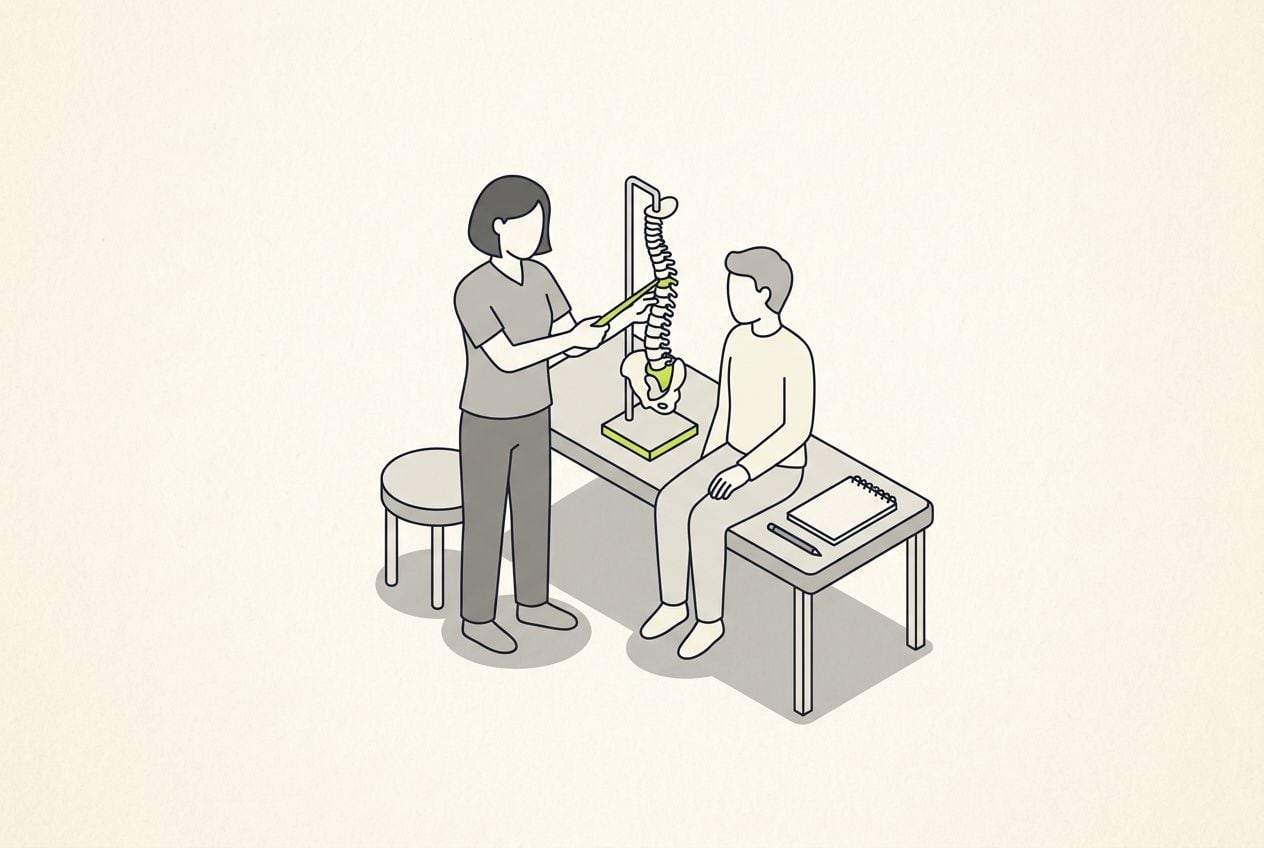
- A good length for one complaint
- 45 s
- Longest clip you can upload
- 3 min
- About how long the edit takes
- 1 min
What chiropractic video marketing has to do
It has to let a local patient hear you explain their problem plainly, before they book.
- Cover one complaint per video, such as sciatica, a stiff neck from desk work, or back pain after lifting.
- Film in your own treatment room, so patients see where they will be sitting.
- Patients usually read and watch for a while before they book anyone.
- What holds them back is whether it will hurt, what happens at a first visit and whether this is the right clinic.
- You already answer these questions in the room every day, so the script is written.
How video fits into a practice day
Filming takes a minute or two. The upload, the edit and the export each take about a minute.
- The chiropractor films on a phone, between patients.
- The chiropractor or the front desk finishes the video in a browser.
- You get back one captioned 9:16 video per recording, ready to post.
The hand-off inside a practice day
Filming takes a minute or two, and the upload, the edit and the export each take about a minute.
Film one clip
In the treatment room, up to 3 minutes
Upload in the browser
From the front desk computer
The edit comes back
About a minute later
Adjust on the transcript
Place clips, pick the captions
Export and post
One 9:16 MP4
This is the whole editor
Highlight a phrase and a clip lands on those exact words. No timeline, no keyframes, no layers.
Your own videos or stock patient-education videos?
Practice-marketing vendors sell libraries of patient-education videos. Use them in the waiting room, and film yourself for social media.
A stock library compared with filming yourself
| Compare | Stock patient-education library | Filming yourself |
|---|---|---|
| What it is | Animated spines, a narrator, your logo at the end | You, explaining a complaint in your room |
| Best for | A waiting-room screen | Social media |
| Strength | Accurate, and it saves time | Shows your manner, your voice and your room |
| Weakness | Every practice that buys it posts the same video | You have to film it yourself |
Compare: What it is
- Stock patient-education library
- Animated spines, a narrator, your logo at the end
- Filming yourself
- You, explaining a complaint in your room
Compare: Best for
- Stock patient-education library
- A waiting-room screen
- Filming yourself
- Social media
Compare: Strength
- Stock patient-education library
- Accurate, and it saves time
- Filming yourself
- Shows your manner, your voice and your room
Compare: Weakness
- Stock patient-education library
- Every practice that buys it posts the same video
- Filming yourself
- You have to film it yourself
Chiropractic advertising rules to check first
Chiropractic advertising is regulated in most places, and the rules shape what a video can say.
- Boards in several countries and many US states limit which conditions a chiropractor may claim to treat.
- Some of them also restrict patient stories and before-and-after claims.
- Read your own board's advertising rules before you post the first video.
- The safe pattern is to describe what you do at a visit, not what it will cure.
- Leave patient stories out unless your own rules allow them.
Three chiropractor video formats
Each one is a single clip of 30 to 60 seconds.
Chiropractor video formats
| Format | What you say | Why it works |
|---|---|---|
| One-complaint explainer | The complaint, what is usually going on, one thing to try, when to come in | Answers a symptom a patient searched for |
| First-visit video | What happens at a first visit, what to wear, whether it hurts | Answers what a nervous patient asks before booking |
| Desk or lifting tip | One piece of advice, like how to set a desk chair or lift a toddler | Useful on its own, with nothing to book |
Format: One-complaint explainer
- What you say
- The complaint, what is usually going on, one thing to try, when to come in
- Why it works
- Answers a symptom a patient searched for
Format: First-visit video
- What you say
- What happens at a first visit, what to wear, whether it hurts
- Why it works
- Answers what a nervous patient asks before booking
Format: Desk or lifting tip
- What you say
- One piece of advice, like how to set a desk chair or lift a toddler
- Why it works
- Useful on its own, with nothing to book
The complaint on screen in the first second
Each video opens with the complaint in the patient's words. In Cutroom that line sits on a hook card.
- Choose the card's theme once and every video opens the same way.
- A question a patient asks, a myth you want to correct or a short checklist all work as opening lines.
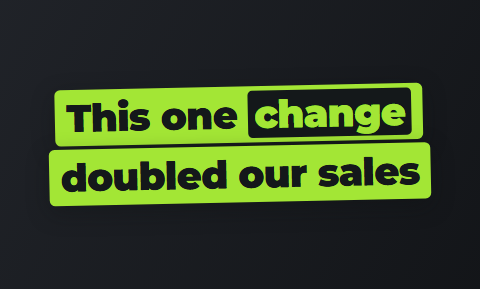
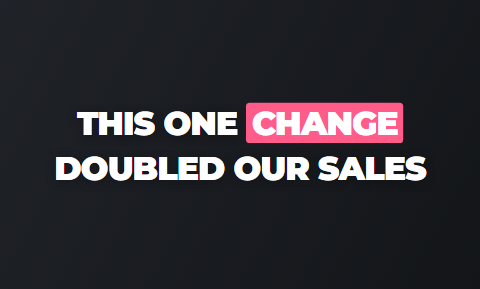
Hook cards that carry the complaint in the first second
Real cards from the editor's hook picker. The opening line sits on the card while you start talking.
 Slab
Slab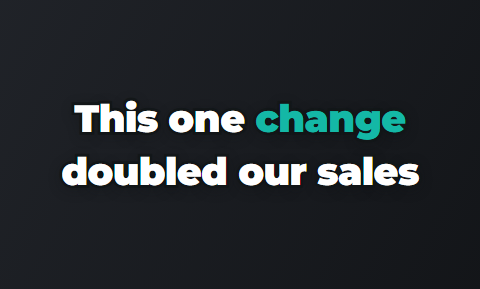 Outline
 Punch
Punch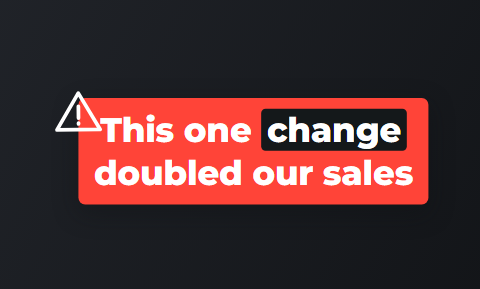 Alert
Alert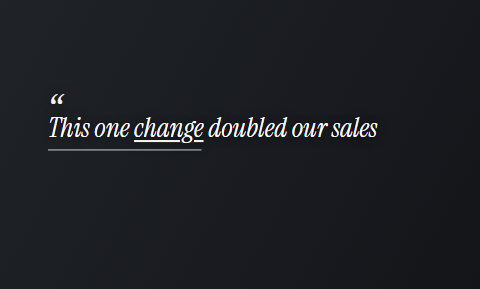 Quote
Quote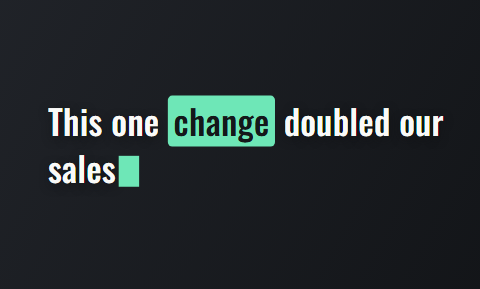 Type
Type
What to say in a one-complaint explainer
Say the complaint the way patients say it: "my back locks up when I bend over".
- Open with the complaint in the patient's own words.
- Say what is usually going on, in plain words and without anatomy terms.
- Give one thing they can safely try at home today.
- Say the sign that means it needs a visit.
- Cover one complaint only. A video about sciatica, posture and headaches at once is harder to find and to remember.
The four parts of a one-complaint explainer
About 45 seconds spoken at a normal pace.
The complaint
In the patient's own words
What is usually going on
Plain words, no jargon
One thing to try
Safe to do at home today
When to come in
The sign it needs a visit
What to say in a first-visit video
Stand in your own treatment room and say what happens at a first visit, in the order it happens.
- Say what questions you ask, what the assessment involves and whether treatment starts that day.
- Say how long the first visit takes.
- Answer the two questions everyone has, which are what to wear and whether it hurts.
- Pin the video to the top of your profile, so searches and referrals land on it first.
A finished frame, as a patient sees it
The hook card, a clip placed on the spoken words and captions burned in. One 9:16 MP4 per recording.



Desk and lifting tip videos
Give away one piece of advice a patient can use today, without booking anything.
- Good topics are how to set a desk chair, how to lift a toddler, and a stretch for a neck that stiffens by mid-afternoon.
- Cutroom puts a free stock clip on words like desk, laptop or stretch, and you swap in your own footage where you have it.
- Use one caption theme on every tip, so followers recognise your videos before they see your face.
Caption themes that stay readable on a phone
Seven of the 40 caption themes, as they appear in the editor. Pick one theme, then its font and colour.
 Clean
Clean Plain
Plain Soft
Soft Bubble
 Highlighter
 DuoStack
 Note
Note
How one recording becomes a finished video in Cutroom
You upload the clip in the browser. The edit comes back in about a minute, with the transcript beside the video.
- The first draft uses free stock clips placed on your words, and you can upload your own clips and photos and swap them in.
- You highlight a phrase and a clip lands over exactly those words.
- You delete a line and the video rebuilds around what is left.
- You correct a misheard anatomy term in the transcript, and you trim the opening if you started talking late.
- You export a 9:16 MP4 at 1080 by 1920.
- There is nothing to install and no editing course to do. The front desk computer is enough.
The finished video in the editor's player
What you review before export: captions on every word, the hook card and the clips on your words.

▸ 0:07 / 0:26 · shot 1 of 5
Video tools chiropractors compare
The difference is what goes in: a script, a video you edit yourself, or a video Cutroom finishes for you.
- OpusClip has Agent Opus, which turns a script, outline or blog post into a video with motion graphics and an AI voice.
- Captions is a mobile editor with a page for healthcare professionals, where you cut and caption on your phone.
- Choose OpusClip if you would rather write a script than appear on camera.
- Choose Captions if you film and post everything from your phone.
- Choose Cutroom if you will explain a complaint on camera and want the finished reel in a minute.
Three tools chiropractors use for short video
Prices as published on each vendor's own pricing page on the day shown. Plans change; read the page before you pay.
| Tool | Best for | Editing approach | Platform | Pricing from |
|---|---|---|---|---|
 OpusClip OpusClip | Clips from long video, or a video drafted from a script | AI picks clips from long video; Agent Opus turns text into video | Web, mobile | Free plan (watermark); Starter $15/month |
 Captions Captions | Mobile-first AI editing of talking videos | AI edit styles applied to your video, with manual controls | iOS, Android, web | Free version; Max $24.99/month |
| Cutroom | One complaint explained on camera, finished as a reel | Upload one clip; b-roll, captions and a hook are placed for you | Browser | First video free, no card; Lite $19.99/month |
- OpusClip
- Best for
- Clips from long video, or a video drafted from a script
- Approach
- AI picks clips from long video; Agent Opus turns text into video
- Platform
- Web, mobile
- Pricing from
- Free plan (watermark); Starter $15/month
- Captions
- Best for
- Mobile-first AI editing of talking videos
- Approach
- AI edit styles applied to your video, with manual controls
- Platform
- iOS, Android, web
- Pricing from
- Free version; Max $24.99/month
Cutroom
- Best for
- One complaint explained on camera, finished as a reel
- Approach
- Upload one clip; b-roll, captions and a hook are placed for you
- Platform
- Browser
- Pricing from
- First video free, no card; Lite $19.99/month
Prices and plans read from each vendor's own pricing page on 21 September 2026.
What chiropractic video marketing costs
A video of up to a minute uses about 120 credits: 100 for the edit and 20 for the export.
- Use the free first video on the complaint you explain most often.
Cutroom plans
| Plan | Price | Credits | What you get |
|---|---|---|---|
| First video | Free, no card | 600 | 7 days to use them; a Cutroom mark across the middle |
| Lite | $19.99 a month | 1,250 | No Cutroom mark |
| Basic | $39.99 a month | 2,500 | Adds avatars and music |
| Premium | $79.99 a month | 5,000 | The most credits |
Plan: First video
- Price
- Free, no card
- Credits
- 600
- What you get
- 7 days to use them; a Cutroom mark across the middle
Plan: Lite
- Price
- $19.99 a month
- Credits
- 1,250
- What you get
- No Cutroom mark
Plan: Basic
- Price
- $39.99 a month
- Credits
- 2,500
- What you get
- Adds avatars and music
Plan: Premium
- Price
- $79.99 a month
- Credits
- 5,000
- What you get
- The most credits
How many videos each plan covers
One video a week fits easily inside Lite.
Videos of up to a minute each month, by plan
About 120 credits for each video of up to a minute: the 100-credit batch plus 20 credits of export.
- Lite, $19.99about 10
- Basic, $39.99about 20
- Premium, $79.99about 41
Questions people ask
- Is video marketing worth it for a solo chiropractor?
- Yes, if the videos answer what a local patient asks before booking. A 45-second explanation of sciatica, filmed in your own room, shows your manner before the first visit. What matters is that a nearby patient who searches your name finds a recent, plain explanation from you.
- What should a chiropractor post on Instagram Reels?
- One complaint per video, explained the way you explain it in the room. Good first topics: sciatica, a stiff neck from desk work, back pain after lifting and what happens at a first visit. Open with the complaint in the patient's words and end with when to book.
- Should a chiropractor use stock patient-education videos instead of filming?
- Use them in the waiting room, and film yourself for social media. Every practice that buys the same library posts the same animated video, so it tells a patient nothing about you. Filming yourself shows your manner and your room.
- Can the front desk finish a chiropractor's videos?
- Yes. The chiropractor films one clip on a phone, and the front desk uploads it in a browser. The edit comes back in about a minute. Your team places clips by highlighting phrases, picks a caption theme and exports, with no timeline skills needed.
- Can Cutroom show my own chiropractic clinic in the b-roll?
- Yes, if you upload a clip or a photo of it. The first draft uses free stock clips matched to your words, and in the editor you swap any of them for your own footage of the treatment room, the table or the front desk. Filming in the room also puts it behind you the whole video.
- Are there rules on what a chiropractor can say in a video?
- Yes, in most places. Boards in several countries and many US states limit which conditions a chiropractor may claim to treat, and some restrict testimonials. Check your board's advertising rules first. Explaining a complaint is safer than promising an outcome.
- Which chiropractors should not use Cutroom?
- A practice that wants long YouTube lectures, landscape clinic tours or a library of animated anatomy videos. Cutroom accepts one talking video of up to 3 minutes and returns one vertical video.
Pick the complaint you explained most this week and film it once between patients. Your first video is free.