Use case
Snapchat ads creative: say your offer in the first 2 seconds, with the sound on
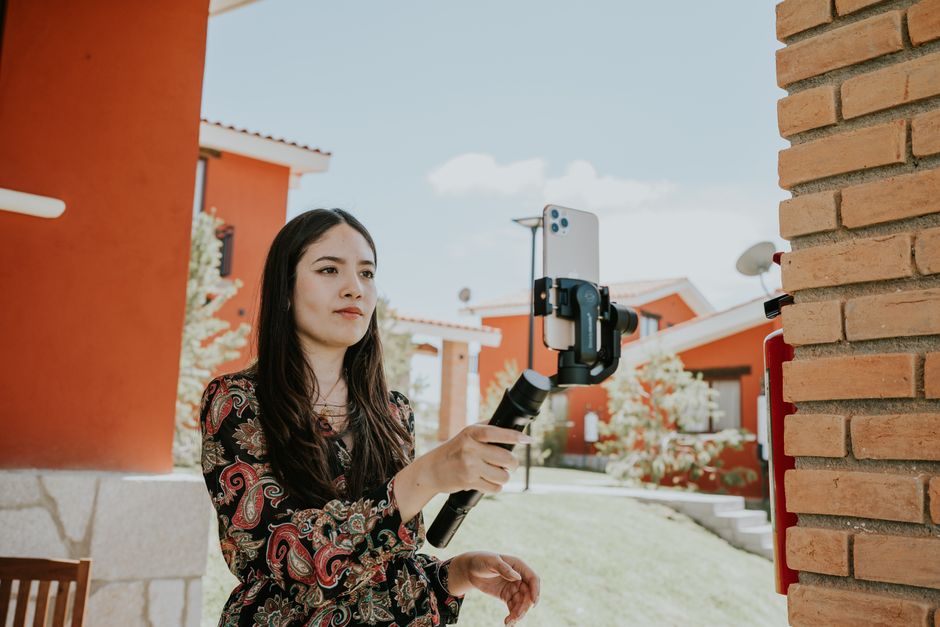
Snapchat ads play full screen, and Snapchat says 64% of them are watched with the sound on. Cutroom turns one phone video of you talking into a vertical Snapchat ad with captions.
In short
- Snapchat video ads are full-screen 9:16 videos of 3 to 180 seconds, uploaded as MP4 or MOV.
- Snapchat says 64% of its ads are watched with the sound on, so your first spoken line does a lot of work.
- Snapchat advises showing your message and offer in the first 2 seconds, and keeping ads short.
- Snapchat ads are heard more than read, so record in a quiet room. Clear sound matters more than a good camera.
- Cutroom makes a 9:16 Snapchat ad from one phone video, and a 15-second ad costs 105 credits.
- Length of a Snapchat video ad
- 3–180 s
- Snapchat ads watched with the sound on, per Snapchat
- 64%
- Where Snapchat says your offer belongs
- 2 s
Snapchat video ad specs
These are Snapchat's numbers for Single Image or Video ads, from Snapchat for Business, read on 21 September 2026.
Snapchat video ad specs, next to what Cutroom exports
Source: Snapchat for Business, ad formats and specs.
| Spec | Snapchat video ads | Cutroom export |
|---|---|---|
| Shape | 9:16 | 9:16 |
| Size | 720 x 1280 pixels | Full-size vertical video |
| Length | 3 to 180 seconds | Up to 3 minutes |
| File | .mp4 or .mov | MP4 |
| Brand name | Up to 25 characters | You type it in Snapchat's Ads Manager |
| Headline | Up to 34 characters | You type it in Snapchat's Ads Manager |
Spec: Shape
- Snapchat video ads
- 9:16
- Cutroom export
- 9:16
Spec: Size
- Snapchat video ads
- 720 x 1280 pixels
- Cutroom export
- Full-size vertical video
Spec: Length
- Snapchat video ads
- 3 to 180 seconds
- Cutroom export
- Up to 3 minutes
Spec: File
- Snapchat video ads
- .mp4 or .mov
- Cutroom export
- MP4
Spec: Brand name
- Snapchat video ads
- Up to 25 characters
- Cutroom export
- You type it in Snapchat's Ads Manager
Spec: Headline
- Snapchat video ads
- Up to 34 characters
- Cutroom export
- You type it in Snapchat's Ads Manager
Where Snapchat puts its own text
Snapchat draws your brand name, your headline and a button over the video. Captions placed under them get covered.
- In Cutroom you move the captions up or down and set their size with a slider.
- You type the brand name and the headline in Snapchat's Ads Manager, not in the video.
What sits on top of a Snapchat ad
Source: Snapchat Business Help Center, read on 21 September 2026.
| Part of the screen | What Snapchat puts there | What to do |
|---|---|---|
| Top-left corner | Your brand name, with the headline under it | Keep captions and logos out |
| Bottom | The call-to-action button, such as Shop Now | Keep captions out |
| Top and bottom 150 pixels | Snapchat's own safe zone advice | Keep logos and text out |
| Middle | Nothing | Put your captions here |
Part of the screen: Top-left corner
- What Snapchat puts there
- Your brand name, with the headline under it
- What to do
- Keep captions and logos out
Part of the screen: Bottom
- What Snapchat puts there
- The call-to-action button, such as Shop Now
- What to do
- Keep captions out
Part of the screen: Top and bottom 150 pixels
- What Snapchat puts there
- Snapchat's own safe zone advice
- What to do
- Keep logos and text out
Part of the screen: Middle
- What Snapchat puts there
- Nothing
- What to do
- Put your captions here
This is the whole editor
Highlight a phrase and a clip lands on those exact words. No timeline, no keyframes, no layers.
What makes a Snapchat ad work
Snapchat's own advice is to be clear from the first frame and to keep ads short. A video of a person talking needs a few more things.
- Show your message and your offer in the first 2 seconds. That is Snapchat's own advice.
- Write your first line to be heard. Most people hear a Snapchat ad before they read anything on it.
- Keep it short. Snapchat's 2020 advice was ads of around 5 to 6 seconds, so leave out everything that is not the offer.
- Use a real person. Snapchat suggests customer testimonials and a style that feels made by users, not by a studio.
- Add captions anyway. By Snapchat's own figure, about a third of ads are watched without sound.
Record in a quiet room
On Snapchat most people hear your ad, so the sound of your video matters more than the camera.
- A phone in a quiet room is enough. A phone in a car park or a busy café is not.
- A room with carpet and curtains echoes less than a kitchen with hard walls.
- Hold the phone close enough that your voice is clearly louder than the room.
- If the sound is bad, film the video again. Cutroom has no tool to clean it up.
How to make a Snapchat ad with Cutroom
You change the video by changing its words. There is no timeline to learn.
- Cutroom adds captions timed to your voice and drafts a headline for the opening seconds. On Punch and Native it also shortens the long pauses.
- Cutroom keeps the lines you say, so to start on your offer, film the take without a greeting or a lead-in.
- To add a clip, you highlight a phrase and the clip plays over exactly those words. Your own product clips stay in your library.
- The style you pick before you upload sets the pace. Even on the fastest styles, Punch and Native, the clips Cutroom adds cover at most 52 percent of the video, so you stay on screen.
- You pick one of 40 caption styles, then its font, colour, size and position.
From a phone video to a Snapchat ad
Film in a quiet room
One video of you talking, up to 3 minutes
Upload
Cutroom writes out every word and makes the first edit
Check the words
Fix a misheard word before you export
Export
A 9:16 MP4 for Snapchat's Ads Manager
How many versions to test
Most people hear your first sentence before anything else, so test several opening lines. Film each one as its own short video and make one ad from each.
- Cutroom keeps the lines you say, so each opening line needs its own recording.
- Eight 15-second versions cost 840 credits, which fits in one month of Basic at $39.99.
- Most ads do not win. On Meta, Motion's analysis of 550,000+ ads found that only 5 to 8% become winners.
What it costs
The edit costs 100 credits and the export 20 credits a minute. So a 15-second ad costs 105 credits, and a 30-second ad costs 110.
Cutroom plans and 15-second ads per month
| Plan | Price | Credits | 15-second ads |
|---|---|---|---|
| Free | $0, no card | Your first video, made within 7 days | 1, with a Cutroom mark |
| Lite | $19.99 a month | 1,250 | About 11, no mark |
| Basic | $39.99 a month | 2,500 | About 23, plus avatars and generated music |
| Premium | $79.99 a month | 5,000 | About 47 |
| Top-up | $39.99 once | 2,500 | About 23 more |
Plan: Free
- Price
- $0, no card
- Credits
- Your first video, made within 7 days
- 15-second ads
- 1, with a Cutroom mark
Plan: Lite
- Price
- $19.99 a month
- Credits
- 1,250
- 15-second ads
- About 11, no mark
Plan: Basic
- Price
- $39.99 a month
- Credits
- 2,500
- 15-second ads
- About 23, plus avatars and generated music
Plan: Premium
- Price
- $79.99 a month
- Credits
- 5,000
- 15-second ads
- About 47
Plan: Top-up
- Price
- $39.99 once
- Credits
- 2,500
- 15-second ads
- About 23 more
What Cutroom does not do
Cutroom makes single video ads where a person talks to the camera.
- Cutroom does not make AR Lenses or collection ads.
- Cutroom cannot clean up noisy sound, so record somewhere quiet.
- Cutroom does not run your ads. You upload the MP4 and set the budget in Snapchat's Ads Manager.
- If nobody will go on camera, the avatar add-on makes a presenter from a photo and a voice-over. It costs 350 credits a minute, plus 70 a minute for a generated voice-over, on Basic and up.
Questions people ask
- What are the specs for a Snapchat video ad?
- 9:16 vertical, 720 x 1280 pixels, 3 to 180 seconds, as an MP4 or MOV. The brand name can be 25 characters and the headline 34. Cutroom exports a 9:16 MP4 of up to 3 minutes.
- How long should a Snapchat ad be?
- Short. Snapchat allows 3 to 180 seconds, and its 2020 advice was around 5 to 6 seconds. If you talk to camera, give your offer in the first 2 seconds and leave out everything that is not the offer.
- Where do the brand name and headline show on a Snapchat ad?
- In the top-left corner, with the headline under the brand name. The call-to-action button sits at the bottom, so keep your captions in the middle of the frame.
- Why does sound matter so much on Snapchat?
- Because most people hear the ad. Snapchat says 64% of its ads are watched with the sound on, so the first sentence you say is the first thing they get.
- Can Cutroom clean up a noisy recording?
- No. There is no noise reduction. The sound controls are music on or off, the track and its volume. Record somewhere quiet.
- How much does a Snapchat ad cost to make with Cutroom?
- 105 credits for a 15-second ad: 100 for the edit and 5 for the export. Eight versions cost 840 credits, which fits in Basic at $39.99 a month.
- Can I try it for free?
- Yes. Your first video is free, with no card, and you have 7 days to make it. It carries a Cutroom mark, and Lite at $19.99 a month removes it.
Film one video in a quiet room and test a few opening lines this week. Your first video is free.