Industry
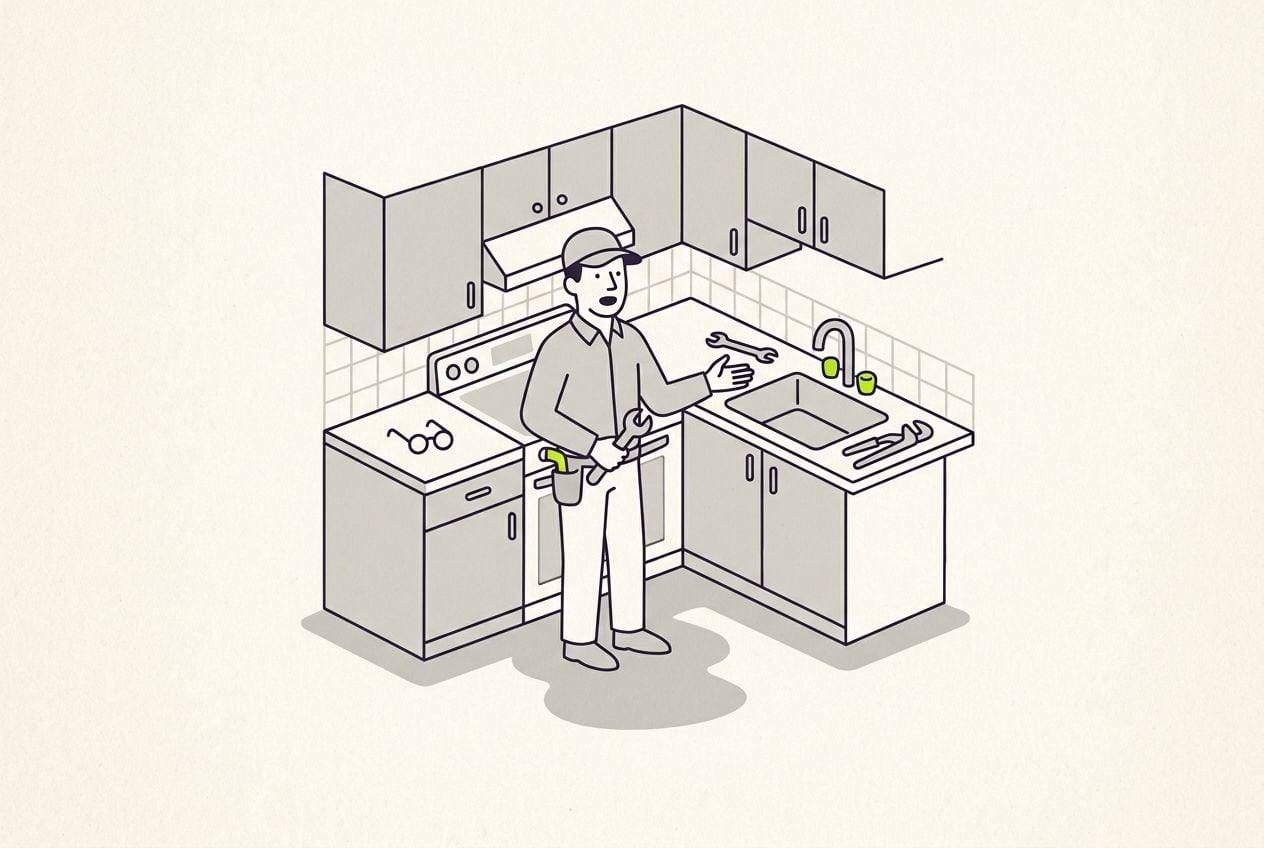
Video ads for home service businesses: the owner, filmed at a real job
A good home service video ad shows the owner or a technician at a real job, explaining the problem and the fix. You can film one on site with your phone.
In short
- A good home service video ad shows the owner or lead technician at a real job, explaining the fix.
- The three ads that work well for trades are a problem-and-fix walk-through, an offer ad and a seasonal ad.
- Most trades should film before the busy season starts, then make a fresh ad every few weeks while it lasts.
- A vertical (9:16) ad works on Reels, Stories, TikTok and YouTube Shorts. Nextdoor video ads need landscape (16:9) or square (1:1).
- Cutroom turns a phone video of you at a job into a finished, captioned vertical ad. Your first video is free.
- Ads you can film at one job
- 3
- Longest video Google Business Profile takes
- 30 s
- Cutroom credits for a 30-second ad
- 110
What a home service video ad needs
A home service ad needs someone from your business, a real job, the area you serve and a way to book.
- Put the owner or a lead technician in it, at a real job, because homeowners like to see who will come to the door.
- Say the problem, the fix, the area you serve and a number to call.
Three home service video ads that work
All three can come from one visit to a job.
- Start with the problem-and-fix walk-through, because it shows your real work.
- Ask the homeowner's permission before you film at their home.
Three home service video ads
| Ad | What you say |
|---|---|
| Problem-and-fix walk-through | Standing at the leak, panel or cracked patio: what went wrong, why, and what you did |
| Offer ad | The area you serve, the job, a starting price such as your service call fee, and how to book |
| Seasonal ad | Three signs a homeowner needs you now, like three signs a water heater is failing |
Ad: Problem-and-fix walk-through
- What you say
- Standing at the leak, panel or cracked patio: what went wrong, why, and what you did
Ad: Offer ad
- What you say
- The area you serve, the job, a starting price such as your service call fee, and how to book
Ad: Seasonal ad
- What you say
- Three signs a homeowner needs you now, like three signs a water heater is failing
This is the whole editor
Highlight a phrase and a clip lands on those exact words. No timeline, no keyframes, no layers.
How to film a problem-and-fix walk-through
Film it at the job, on your phone, in one go.
The problem-and-fix walk-through in three parts
Leave the house number and the street out of shot.
The problem
"This is what a slow leak behind a tile wall looks like"
Why it happened
The cause, in words a homeowner uses
The fix and the call
What you did, the area you cover and how to book
When to film, by trade
Most trades get busy when the weather turns. Film your first seasonal ad before the rush starts, then add a fresh one every few weeks while it lasts.
When each trade should film
| Trade | The ad | When to film |
|---|---|---|
| Roofers | Storm-damage and inspection ads | Before storm season |
| Heating and cooling | Service reminders | Before the first cold or hot week |
| Plumbers | Frozen-pipe and water-heater ads | In late autumn, before the first freeze |
| Landscapers | Spring clean-up ads, and ads that ask people to book before your calendar fills | Late winter |
Trade: Roofers
- The ad
- Storm-damage and inspection ads
- When to film
- Before storm season
Trade: Heating and cooling
- The ad
- Service reminders
- When to film
- Before the first cold or hot week
Trade: Plumbers
- The ad
- Frozen-pipe and water-heater ads
- When to film
- In late autumn, before the first freeze
Trade: Landscapers
- The ad
- Spring clean-up ads, and ads that ask people to book before your calendar fills
- When to film
- Late winter
Where and how often to run a home service ad
Cutroom exports vertical video, the tall shape of a phone screen (9:16). It fits the places below, except Nextdoor.
- Run it on Facebook and Instagram, aimed at the towns you serve, and on YouTube Shorts.
- Add a 30-second version to your Google Business Profile, which shows on Google Search and Maps. Google takes videos of up to 30 seconds.
- You set a daily budget in Meta Ads Manager or Google Ads, and you can change or pause it at any time.
- Replace the ad every few weeks, because people in a small service area see the same ad again and again.
- For Nextdoor, make a landscape or square version in an editor such as CapCut.
Does a vertical video fit?
| Where it runs | Takes a vertical (9:16) video? |
|---|---|
| Instagram and Facebook Reels | Yes |
| Instagram and Facebook Stories | Yes |
| TikTok | Yes |
| YouTube Shorts | Yes |
| Google Business Profile | Yes, up to 30 seconds |
| Nextdoor video ads | No, landscape (16:9) or square (1:1) only |
Where it runs: Instagram and Facebook Reels
- Takes a vertical (9:16) video?
- Yes
Where it runs: Instagram and Facebook Stories
- Takes a vertical (9:16) video?
- Yes
Where it runs: TikTok
- Takes a vertical (9:16) video?
- Yes
Where it runs: YouTube Shorts
- Takes a vertical (9:16) video?
- Yes
Where it runs: Google Business Profile
- Takes a vertical (9:16) video?
- Yes, up to 30 seconds
Where it runs: Nextdoor video ads
- Takes a vertical (9:16) video?
- No, landscape (16:9) or square (1:1) only
Tools for home service video ads
Creatify makes the ad with an AI actor. Runway makes clips from your photos. Cutroom edits a video of you at the job.
- Creatify turns your website link into an ad read by an AI actor, and makes many versions for testing.
- Runway turns job-site photos into moving before-and-after clips and drone-style roof shots, without filming. They are generated from your photos, so start from real photos of your own jobs and do not call them drone footage.
- Cutroom turns a video of you talking at the job into a finished, captioned ad.
- You can upload Runway's clips to your Cutroom library, and Cutroom shows them over your voice.
Three ways to make a home service video ad
Prices as each company publishes them on the day shown. Plans change, so check before you buy.
| Tool | Best for | Editing approach | Platform | Pricing from |
|---|---|---|---|---|
 Creatify Creatify | Ads read by an AI actor from your website link | You paste your website link, and it writes a script that an AI actor reads | Web | Free plan (10 credits a month, watermark); Starter $39/month |
 Runway Runway | Short clips made from your job photos | You give it a photo or a written prompt, and it makes a short video clip | Web | Free plan (125 one-time credits); Standard $12/month, yearly ($15 monthly) |
| Cutroom | Turning a video filmed at the job into a captioned ad | You upload your video, and it adds captions, clips and a hook | Web | First video free; Lite $19.99/month |
- Creatify
- Best for
- Ads read by an AI actor from your website link
- Approach
- You paste your website link, and it writes a script that an AI actor reads
- Platform
- Web
- Pricing from
- Free plan (10 credits a month, watermark); Starter $39/month
- Runway
- Best for
- Short clips made from your job photos
- Approach
- You give it a photo or a written prompt, and it makes a short video clip
- Platform
- Web
- Pricing from
- Free plan (125 one-time credits); Standard $12/month, yearly ($15 monthly)
Cutroom
- Best for
- Turning a video filmed at the job into a captioned ad
- Approach
- You upload your video, and it adds captions, clips and a hook
- Platform
- Web
- Pricing from
- First video free; Lite $19.99/month
Prices and plans read from each vendor's own pricing page on 21 September 2026.
How to make a home service ad in Cutroom
The edit comes back in about a minute. You change it by editing the transcript.
- Film on site with the phone you already carry, up to 3 minutes.
- Cutroom adds captions timed to your voice, clips on the words you pick, and a hook you write or pick.
- Upload your own clips of the van and of jobs before and after. They stay in your library for every future ad.
- Highlight the words where you describe the job, and your own clip goes there.
- The editing happens in the browser, so the person who films does not have to be the one who edits.
The finished ad on a phone
The hook at the top, the owner at the job and captions in the picture.

▸ 0:07 / 0:26 · shot 1 of 5
What a home service video ad costs to make in Cutroom
A 30-second ad costs 110 credits: 100 to edit and 20 per minute of export.
- You pay Meta, Google or TikTok separately for showing the ad. None of that goes through Cutroom.
Cutroom plans
| Plan | Price | Credits | What you get |
|---|---|---|---|
| First video | Free, no card | 600, for one video | 7 days to make it; a Cutroom mark across the middle |
| Lite | $19.99 a month | 1,250 | About 11 ads of 30 seconds; no Cutroom mark |
| Basic | $39.99 a month | 2,500 | Adds avatars and generated music |
| Premium | $79.99 a month | 5,000 | Everything in Basic, with twice the credits |
Plan: First video
- Price
- Free, no card
- Credits
- 600, for one video
- What you get
- 7 days to make it; a Cutroom mark across the middle
Plan: Lite
- Price
- $19.99 a month
- Credits
- 1,250
- What you get
- About 11 ads of 30 seconds; no Cutroom mark
Plan: Basic
- Price
- $39.99 a month
- Credits
- 2,500
- What you get
- Adds avatars and generated music
Plan: Premium
- Price
- $79.99 a month
- Credits
- 5,000
- What you get
- Everything in Basic, with twice the credits
Questions people ask
- What should a home service business say in a video ad?
- The problem, the fix and how to book. Name the problem the way a homeowner would, say what caused it, and finish with the area you serve and how to reach you. Keep it to about 30 seconds, so the same video fits your Google Business Profile.
- Should I film at a real job or at the office?
- At a real job, with the homeowner's permission. People trust real work and the person who did it. Keep the house number, the street name and anything personal out of shot.
- How often should a home service business change its video ads?
- Every few weeks in your busy season, or sooner when results drop. People in a small service area see the same ad often. One visit to a job can give you three ads: a walk-through, an offer and a seasonal ad.
- Can my technicians film the ads instead of me?
- Yes. A technician films on site and uploads the video. Someone in the office reads the transcript, swaps a clip or deletes a line, and exports the ad.
- Can I use my own job footage in the ad?
- Yes. Upload clips of jobs before and after, and of the van, and they stay in your library for every future ad. Highlight the words where you mention the job and your clip goes there.
- Does a Cutroom video fit Nextdoor ads?
- No. Nextdoor video ads take landscape (16:9) or square (1:1) video, and Cutroom exports vertical (9:16) only. The same file does fit Reels, Stories, TikTok and YouTube Shorts, and your Google Business Profile takes it if it is 30 seconds or shorter.
- Who should not use Cutroom for home service ads?
- Businesses that want an AI actor to read the ad instead of the owner. Creatify does that. Cutroom is for the owner or a technician talking at a job, and it can show Runway's clips over your voice.
Film yourself at tomorrow's first job and get it back as a finished ad. Your first video is free.