Guide
Caption styles for Reels: 5 styles to try on your own line
Updated
Type your own line and watch it play word by word in 5 styles of captions on a 9:16 screen. It is free, runs in your browser, and nothing is uploaded.
In short
- The most common caption styles for Reels are one big word at a time, a full line with the spoken word lit up, a small line at the bottom, two words stacked, and outlined capital letters.
- Hormozi captions show one big word at a time, and on this page that style is called Bold Pop.
- This free previewer plays your own line in all 5 styles, and you can play each one slow, normal or fast.
- Many people watch Reels with the sound off, so the captions are how they get your words.
- Cutroom has 40 caption themes, timed to your real voice instead of a fixed speed.
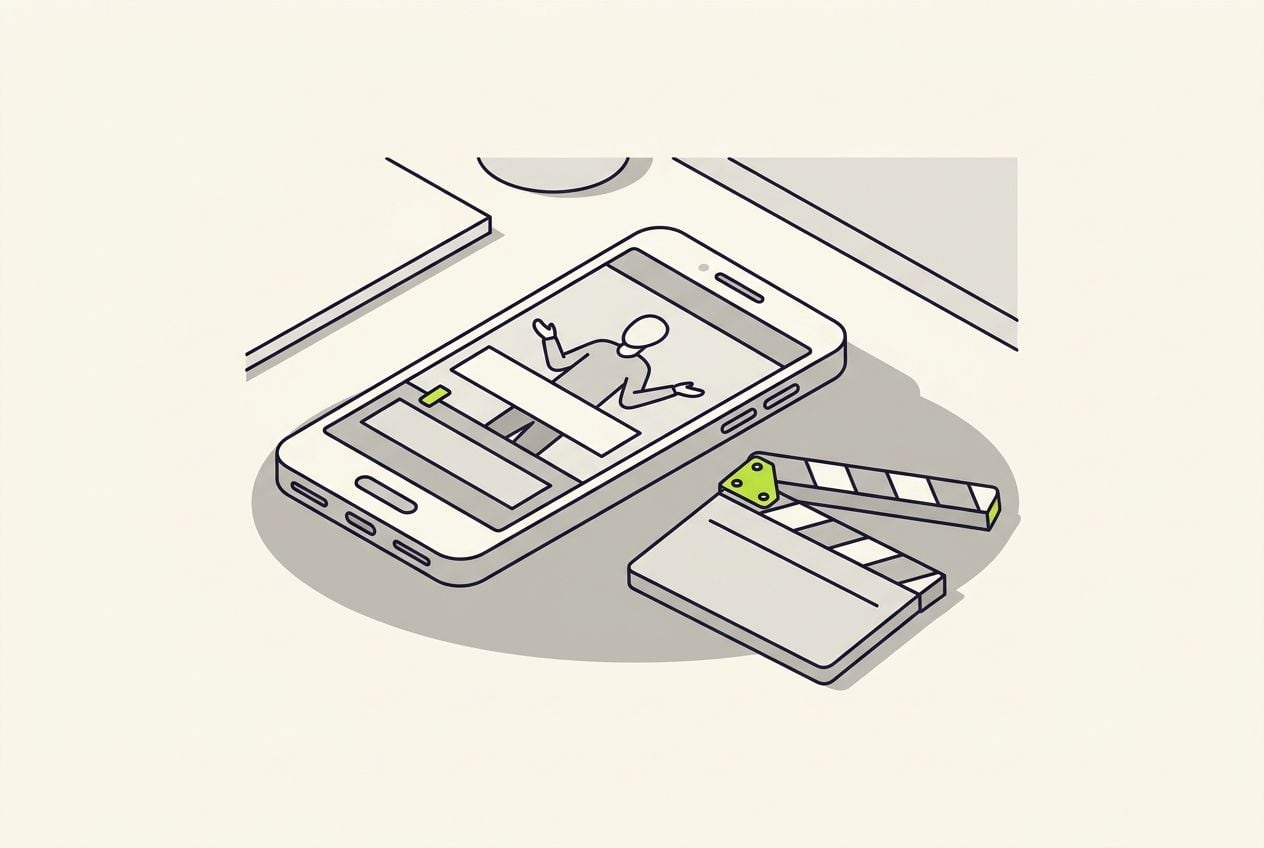
Caption previewer
Runs in your browser · no account needed
10 words · about 4.4s at normal · sample line
Caption style
Word speed
The type on this stage is whatever fonts your device ships — TikTok, Reels and every editor draw captions with their own. Read this preview for movement, size, pace and placement, never for exact pixels. And every feed app covers part of the bottom of the frame with its interface; the safe-zone checker shows exactly where.
One more honest difference: the clock here is steady, and real speech is not. In the Cutroom editor, captions are timed to your actual spoken words automatically, from the transcript of your take.
- Styles you can play your line in on this page, free
- 5
- Speeds: slow, normal and fast
- 3
- Caption themes in the Cutroom editor
- 40
The 5 styles at a glance
Each style gives the same sentence a different feel. Pick the one that matches what you say.
Five caption styles for Reels
No style is best for everything. Pick the one that suits the kind of line you say.
| Style | What it looks like | How it feels | Best for |
|---|---|---|---|
| Bold Pop | One big word at a time, in the middle (Hormozi style) | Loud and punchy | Hooks, bold claims and ads that ask for a sale |
| Karaoke | The full line, with the spoken word lit up | Easy to follow | Explainers, how-tos, stories |
| Clean Lower-Third | A small, steady line at the bottom | Calm and expert | Founder videos, demos, expert talks |
| Two-Word Stack | Two bold words, one above the other | Quick and rhythmic | Lists, fast product points |
| Outline Shout | All caps with a heavy dark outline | Loud, meme-style | Bright or busy videos, reactions |
Style: Bold Pop
- What it looks like
- One big word at a time, in the middle (Hormozi style)
- How it feels
- Loud and punchy
- Best for
- Hooks, bold claims and ads that ask for a sale
Style: Karaoke
- What it looks like
- The full line, with the spoken word lit up
- How it feels
- Easy to follow
- Best for
- Explainers, how-tos, stories
Style: Clean Lower-Third
- What it looks like
- A small, steady line at the bottom
- How it feels
- Calm and expert
- Best for
- Founder videos, demos, expert talks
Style: Two-Word Stack
- What it looks like
- Two bold words, one above the other
- How it feels
- Quick and rhythmic
- Best for
- Lists, fast product points
Style: Outline Shout
- What it looks like
- All caps with a heavy dark outline
- How it feels
- Loud, meme-style
- Best for
- Bright or busy videos, reactions
How to use the previewer
Type the real first line of your video. A style that suits a three-word claim can look wrong on a long sentence.
- If you leave the box empty, it plays a sample line so you can still compare styles.
- Play your line in all 5 styles, because a style that does not fit is usually obvious in one run.
From your line to a caption style
Type your line
Your real opening sentence
Pick a style
One of 5
Pick a speed
Slow, normal or fast
Watch it play
Word by word on a 9:16 screen
Keep one
The style that fits your line
This is the whole editor
Highlight a phrase and a clip lands on those exact words. No timeline, no keyframes, no layers.
The 3 speeds
The speed sets how long each word stays on screen.
Time per word at each speed
In this preview, every word gets the same time on screen.
| Speed | Time per word | Feels like |
|---|---|---|
| Slow | 0.6 seconds | Calm and deliberate |
| Normal | 0.44 seconds | Talking pace |
| Fast | 0.3 seconds | High energy |
Speed: Slow
- Time per word
- 0.6 seconds
- Feels like
- Calm and deliberate
Speed: Normal
- Time per word
- 0.44 seconds
- Feels like
- Talking pace
Speed: Fast
- Time per word
- 0.3 seconds
- Feels like
- High energy
What are Hormozi captions?
Hormozi captions show one big, bold word at a time, timed tightly to the voice. On this page, that style is Bold Pop.
- Hormozi captions work because viewers cannot skim ahead, so they read at your speaking speed.
- They suit hooks, strong claims and short pitches.
- They get tiring on long explainers, because 90 seconds of single words is a lot to watch.
- They are a poor fit for calm, premium brands. A small line of captions at the bottom suits those better.
- To try them here, type your line, pick Bold Pop and set the speed to fast.
What this preview can and cannot show
The preview shows movement, size, speed and placement. It does not show exact fonts or the timing of your real voice.
- The preview uses your device's fonts, and every word gets the same time on screen.
- TikTok and Instagram cover the bottom of the screen with buttons and text, so keep your captions above them.
- Our free safe zone checker shows where that covered area is.
This preview vs captions timed to your voice
Timing
- This preview
- Every word gets the same time
- Captions timed from your audio
- Each word shows when you say it
Fonts
- This preview
- Your device's fonts
- Captions timed from your audio
- The app's or editor's own fonts
Size and movement
- This preview
- Shown as they will look
- Captions timed from your audio
- The same as in the preview
Best use
- This preview
- Choosing a style
- Captions timed from your audio
- The finished video
| This preview | Captions timed from your audio | |
|---|---|---|
| Timing | Every word gets the same time | Each word shows when you say it |
| Fonts | Your device's fonts | The app's or editor's own fonts |
| Size and movement | Shown as they will look | The same as in the preview |
| Best use | Choosing a style | The finished video |
How to add caption styles to a Reel without Cutroom
Instagram, TikTok and CapCut can all write captions from your voice. Each one lets you change how the captions look.
- Instagram's Edits app writes captions from your video in one tap and has dozens of fonts and colours to pick from.
- Instagram Reels can also show automatic captions, as plain text at the bottom of the video.
- TikTok writes out your speech when you tap Captions on the editing screen, and you can change the font and colour.
- CapCut's auto caption generator is a Pro feature. Pro costs $19.99 a month or $179.99 a year, and the price varies by region.
Where Cutroom fits
Cutroom captions your real video word by word, timed from the transcript of your own voice.
- You upload one clip of yourself talking, filmed on your phone, up to 3 minutes long.
- You get a finished 9:16 video back, with captions and b-roll. On the Punch and Native styles, long pauses are shortened too.
- You can choose from 40 caption themes, 16 colours and 7 fonts.
- You can change the style, colour, size or position of the captions in the editor at any time.
- If a word was misheard, you fix it in the transcript and the caption follows.
Eight of the 40 caption themes in the editor
Slam and Hit show one word at a time, Pour fills in the letters as you speak, and DuoStack stacks two lines in two fonts.
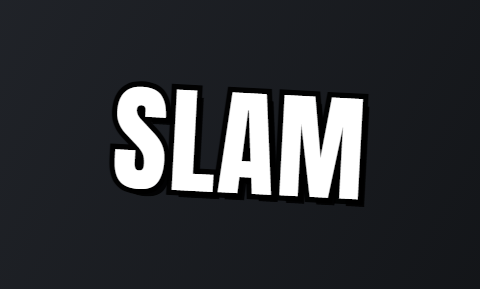 Slam
Slam Hit
Hit Pour
Pour Chip
Chip Clean
Clean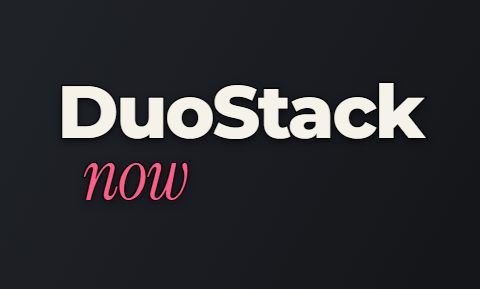 DuoStack
 Shout
Shout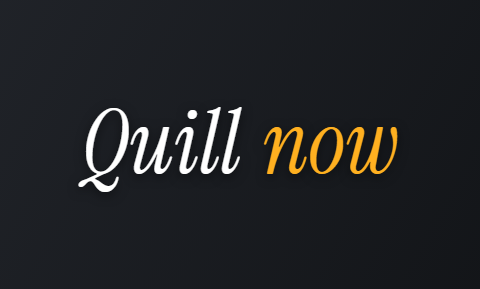 Quill
Quill
What Cutroom costs
The previewer is free. The Cutroom editor uses credits.
Credits per video
| Step | Cost |
|---|---|
| The edit, with captions, b-roll and zooms | 100 credits |
| Export | 20 credits per minute of video |
| A 60-second video, all in | About 120 credits |
| Your first video | Free within 7 days of signing up, 600 credits, no card, with a Cutroom mark |
| Lite plan | $19.99 a month for 1,250 credits, about 10 one-minute videos |
Step: The edit, with captions, b-roll and zooms
- Cost
- 100 credits
Step: Export
- Cost
- 20 credits per minute of video
Step: A 60-second video, all in
- Cost
- About 120 credits
Step: Your first video
- Cost
- Free within 7 days of signing up, 600 credits, no card, with a Cutroom mark
Step: Lite plan
- Cost
- $19.99 a month for 1,250 credits, about 10 one-minute videos
Questions people ask
- What is the best caption style for Reels?
- There is no single best one. Match the style to the line: one word at a time for hooks and claims, a full line with the spoken word lit up for explainers, and a small line at the bottom for demos and founder videos. Play your own line in all 5 styles above.
- What are Hormozi-style captions?
- One big, bold word at a time, in the middle of the screen and timed tightly to the voice, the look Alex Hormozi's clips made popular. It works well on short pitches and gets tiring on long explainers. Bold Pop above is that style.
- How do I add captions to a Reel?
- Use Instagram's Edits app. It writes captions from your voice in one tap, and you can change the font and colour. On TikTok, tap Captions on the editing screen.
- Do captions have to appear word by word?
- No. Many short videos show captions word by word, but a full line at the bottom works well for calm videos like demos. Timing words by hand is slow, so tools like Cutroom time them from your audio.
- Will my captions look exactly like this on TikTok or Instagram?
- No. This page uses your device's fonts, and every app and editor uses its own. The preview does show movement, speed, size and placement, which is what you are choosing between.
- Is my sentence uploaded?
- No. The previewer runs in your browser with no account. Nothing you type is sent or stored, and it is gone when you close the tab.
- Does Cutroom have these caption styles?
- Similar ones. Cutroom has 40 caption themes, including Slam and Hit, which show one word at a time. Captions are timed to your real voice, and you can change the theme, colour and size at any point.
Play your line in all 5 styles and keep the one that fits it. Your first video is free.