Guide
Compress a video online: type the size in MB or pick a quality level
Drop a video above, type the size you need or pick a quality level, and press Compress. The file stays on your computer, and you get an MP4 with no watermark.
In short
- This free video compressor makes a video smaller in your browser, with no watermark and no upload.
- You can type the size you need in MB, or pick a quality level: Light, Balanced or Small.
- If an email or a form has a size limit, type a little under it, because the file adds a few kilobytes.
- You get an MP4 that plays on every phone, browser and player.
- Compressing takes about as long as the video plays, on a laptop.
Video compressor
Runs in your browser · files never leave this page
Drop a video here
or
How to shrink it
Quality level
Your file never leaves this page. The engine downloads once, the work happens in this tab, and there is no upload, no account and no storage. Close the tab and the file is gone unless you downloaded it.
More free tools: Video resizer · Video to MP4 · Video to MP3 · Video clipper · all tools
- One minute of phone video recorded at 8 Mbps
- 60 MB
- The same minute compressed to 2 Mbps
- 15 MB
- The video engine your browser downloads once per visit
- 32 MB
How to compress a video online
Drop your video in the box above. Choose To a size and type the number of MB you need, or choose By quality and pick Light, Balanced or Small.
Press Compress. The result shows the size before and after, and how much you saved. Check the picture too, and run it again one level lighter if it looks worse than you like.
- The file you get is an MP4 with H.264 video and AAC sound, which every player opens.
- It is saved so it starts playing while it is still downloading, which is what a website or a chat app needs.
- There is no watermark on the result, and you need no account.
Compressing a video in five steps
Everything happens in this browser tab.
Drop a video
In the box above
Choose how
To a size, or By quality
Type MB or pick a level
Balanced is the usual pick
Press Compress
Runs in this tab
Download the MP4
Check the size and the picture
How the file size is worked out
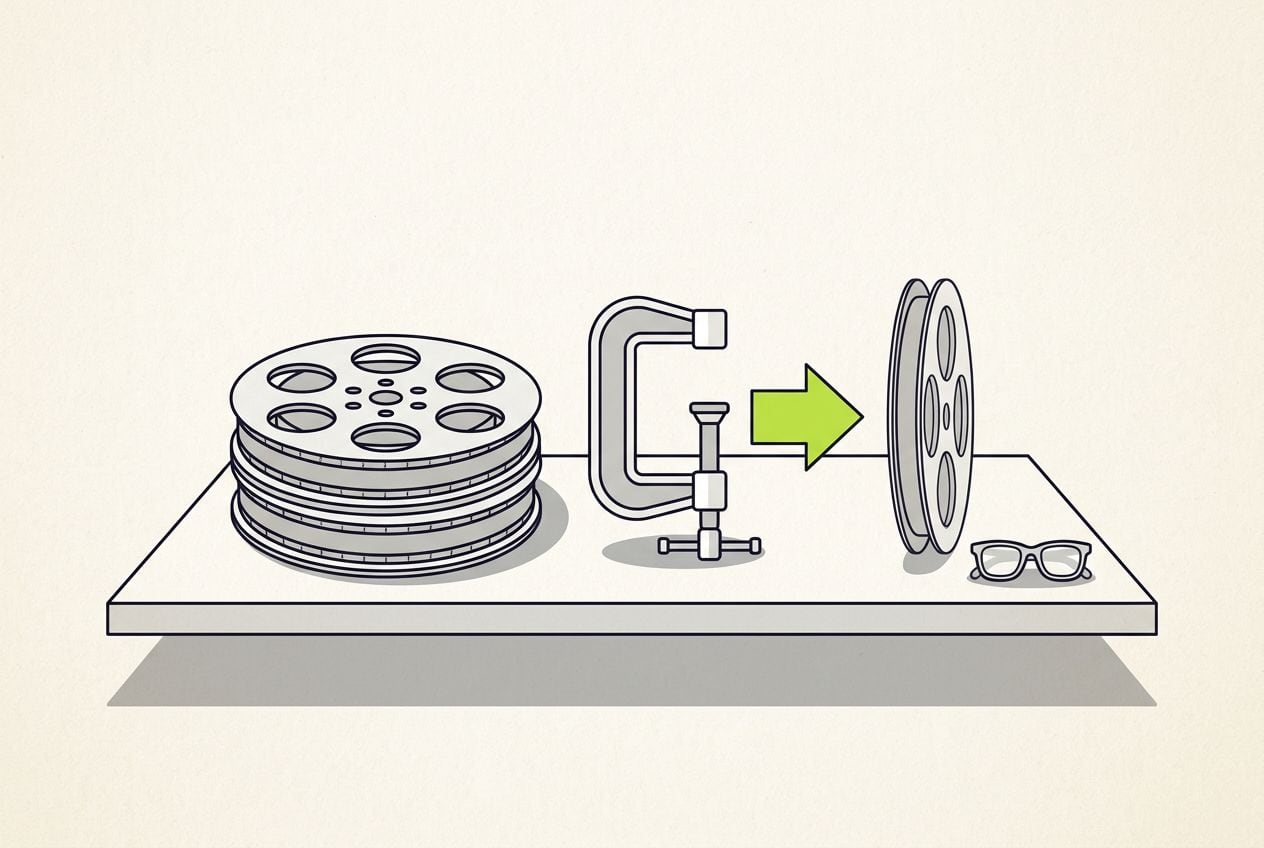
A video file's size is its bitrate times its length. A phone records at about 8 megabits a second, so one minute is 480 megabits, or 60 MB.
When you type a target size, the tool does that sum backwards. It works out the bitrate that fits and holds the encoder to it. The exact figure shows before it runs.
- The file comes back within a few kilobytes of the number you typed, so type a little under a hard limit.
- The sound gets 128 kbps, and the picture gets everything that is left over.
- A quality level works the other way round. You do not name a size, and how much smaller the file gets depends on the video.
The sum for a 25 MB target on a 60-second video
The tool does this for your file when you type a size.
| Step | Sum | Result |
|---|---|---|
| Whole file | 25,000,000 × 8 ÷ 60 | 3,333 kbps |
| Sound | Fixed at 128 kbps | 128 kbps |
| Picture | 3,333 − 128 | 3,205 kbps |
Step: Whole file
- Sum
- 25,000,000 × 8 ÷ 60
- Result
- 3,333 kbps
Step: Sound
- Sum
- Fixed at 128 kbps
- Result
- 128 kbps
Step: Picture
- Sum
- 3,333 − 128
- Result
- 3,205 kbps
This is the whole editor
Highlight a phrase and a clip lands on those exact words. No timeline, no keyframes, no layers.
Target size or quality level: which to pick
If there is a size limit, such as for an email or a form, type the number. Go a little under the limit, because the file adds a few kilobytes of its own.
If there is no limit, pick a quality level. Balanced keeps the frame size and re-encodes at a fixed level of detail. Only a target size can promise a number in advance, so type one when you have a limit to meet.
- Light suits a video you will edit again, because every re-encode costs a little detail.
- Balanced is the usual pick for a message, a form or a portfolio.
- Small also brings the picture down to 720p, which cuts the pixels to 44%. It suits a video watched once on a phone.
- On a quality level the tool caps the picture at 80% of your file's own bitrate, so the result never comes back bigger than the original.
- The result panel shows the size before, the size after and the change as a percent, so you see exactly what you saved.
Three quality levels, and what each one keeps
None of the three promises a size in advance. Type a target size when you have a number to meet.
Light
- What it does
- Frame size kept, hard to tell apart from the original
- Pick it for
- A video you will edit again
Balanced
- What it does
- Frame size kept, less detail than Light
- Pick it for
- A message, a form, a portfolio
Small
- What it does
- Picture brought to 720p, pixels cut to 44%
- Pick it for
- A video watched once, on a phone
| What it does | Pick it for | |
|---|---|---|
| Light | Frame size kept, hard to tell apart from the original | A video you will edit again |
| Balanced | Frame size kept, less detail than Light | A message, a form, a portfolio |
| Small | Picture brought to 720p, pixels cut to 44% | A video watched once, on a phone |
Nothing is uploaded, and the limits
The tool runs ffmpeg, a free video program, inside your browser. It downloads once, about 32 MB, and then every job runs in this tab. Your file is never sent anywhere.
The cost is speed. The browser version runs on one thread, so a video takes about as long to compress as it takes to play. Keep the tab open, because switching away can pause it.
- The tool warns above 500 MB. If the tab runs out of memory, make the video shorter first.
- Below about 200 kbps the picture turns into blocks, so the tool refuses a target that small.
- If your target is too small, cut the video shorter with our free video trimmer first, then compress the short clip.
This tool or a compressor that uploads your file
A server is faster, because it can use every core of a bigger machine.
Your file
- This tool
- Stays on your computer
- A compressor that uploads
- Is stored on someone else's server
Speed
- This tool
- About as long as the video plays
- A compressor that uploads
- Faster
Sign-up and waiting line
- This tool
- None
- A compressor that uploads
- Sometimes
Logo on the result
- This tool
- Never
- A compressor that uploads
- Sometimes
| This tool | A compressor that uploads | |
|---|---|---|
| Your file | Stays on your computer | Is stored on someone else's server |
| Speed | About as long as the video plays | Faster |
| Sign-up and waiting line | None | Sometimes |
| Logo on the result | Never | Sometimes |
What compressing cannot do
Compressing cannot add detail that is not there. A blurry video stays blurry, only smaller, and a file that is already lean barely moves.
It also cannot change the shape of the picture or leave out the sound. Those are different jobs, and two of the other free tools do them. Your original file stays on your computer, untouched, whichever one you use.
- If the shape is the problem and not the size, our free video resizer crops it to 9:16 or 1:1, or adds bars around it.
- If you only need the sound, our free video to MP3 converter saves it as an MP3 and drops the picture.
- Compressing does not make a shaky or badly lit video look better. It only makes the file smaller.
From a smaller file to a finished video
Many people compress a video because they are about to send or post it. If it is a video of you talking, Cutroom can turn it into a finished video first.
Film one clip of up to three minutes and upload it. It comes back as a finished 9:16 video in about a minute, ready to post. The compressor above stays free either way.
- Cutroom cuts the pauses, adds captions timed to your voice, puts b-roll on the phrases you highlight and writes an opening headline.
- Your first video is free, with no card, and you have seven days to make it.
- The free video carries a Cutroom mark. Lite at $19.99 a month removes it.
What one clip becomes
One 9:16 MP4 with the headline, the captions and the b-roll added.



Questions people ask
- How do I compress a video without a watermark?
- Drop it in the box above, choose To a size or By quality, and press Compress. The MP4 you download has no watermark and no logo, and you need no account. The file never leaves your computer.
- How do I compress a video to a specific size, like 25 MB?
- Choose To a size and type 25. The tool works out the bitrate from size × 8 ÷ seconds, gives 128 kbps to the sound and holds the picture to the rest. Type a little under a real limit, because the file adds a few kilobytes.
- Is my video uploaded when I compress it here?
- No. The tool runs ffmpeg inside your browser. It downloads once, about 32 MB, and then opens your file in this tab. Nothing is sent to a server, nothing is stored, and closing the tab clears everything except your download.
- Which quality level should I pick?
- Balanced, for most videos. It keeps the frame size and re-encodes at a lower level of detail, which most people cannot see on a phone. Pick Light for a video you will edit again, and Small for a message watched once. Only a target size promises an exact number of MB.
- Why is compressing so slow?
- The browser version of the encoder runs on one thread and cannot use the graphics chip. A video takes about as long to compress as it takes to play on a laptop, and longer on a phone. Small is fastest, because it has fewer pixels.
- Who should not compress a video here?
- Anyone with a file over about 500 MB or a recording of an hour or more, because a browser tab runs short of memory. A desktop program handles that better. And if the video is you talking and still needs editing, let Cutroom finish it first, then compress.
Compress your file above, or turn a video of you talking into a finished video with Cutroom. Your first video is free.