For your team
Nonprofit fundraising video: one staff member tells one story
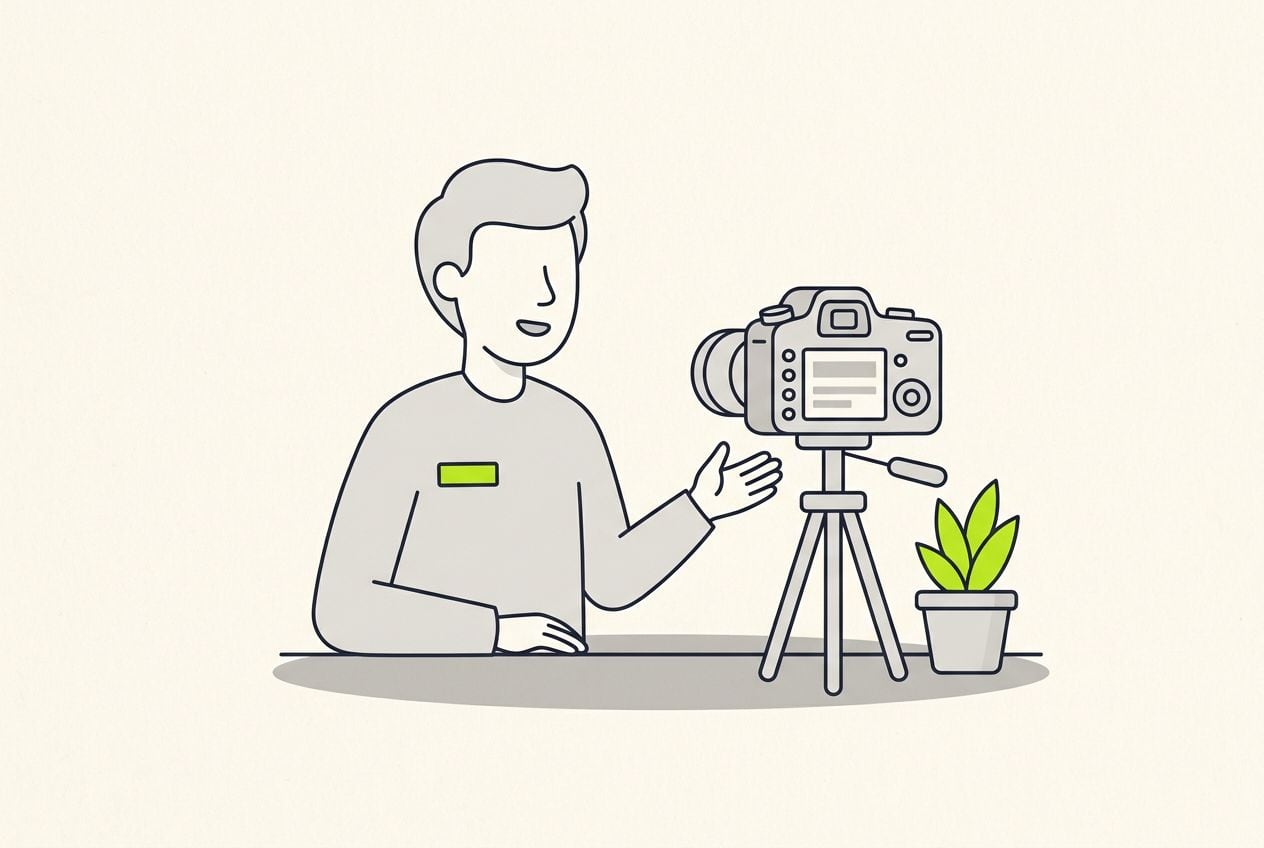
A nonprofit fundraising video that works is one story, told by someone close to the work, ending on one specific ask. A staff member films one clip on a phone and Cutroom returns a captioned 9:16 appeal in about a minute.
In short
- The fundraising video that works is one staff member telling one person's story and asking for one specific gift.
- The three formats that work are a one-story appeal, an impact update and a giving-day invite.
- Get written consent before a beneficiary appears on camera, and show them the video before you post it.
- Cutroom turns one phone clip into a captioned 9:16 appeal, so you do not need an editor.
- Your first video is free with no card, and Lite is $19.99 a month for about 10 one-minute videos.
- A good length for a social appeal
- 60–90 s
- Longest clip you can upload
- 3 min
- About how long the edit takes
- 1 min
What a small nonprofit needs from video
A small comms team needs video it can finish before an appeal deadline, with no production budget and no editor.
- What you want is a routine a two-person team can repeat every month.
- The video runs on Instagram, Facebook, TikTok or YouTube Shorts.
Three ways to get a fundraising video
| Option | What you get | The catch |
|---|---|---|
| A production company | A finished film | Priced beyond most small budgets |
| A volunteer editor | Free help | Tends to help once and move on |
| One phone clip, finished in Cutroom | A captioned 9:16 video in about a minute | One speaker, up to 3 minutes |
Option: A production company
- What you get
- A finished film
- The catch
- Priced beyond most small budgets
Option: A volunteer editor
- What you get
- Free help
- The catch
- Tends to help once and move on
Option: One phone clip, finished in Cutroom
- What you get
- A captioned 9:16 video in about a minute
- The catch
- One speaker, up to 3 minutes
Three nonprofit fundraising video formats
Three formats cover most of a small nonprofit's video year. Each one is a single clip.
Fundraising video formats
| Format | Who tells it | What they say |
|---|---|---|
| One-story appeal, about 90 seconds | A staff member | One person, one moment, what changed, and a specific gift |
| Impact update | The head of your nonprofit | What last year's gifts paid for, from your own records, and thanks |
| Giving-day invite | Your leader or a staff member | The date, the goal and how to give |
Format: One-story appeal, about 90 seconds
- Who tells it
- A staff member
- What they say
- One person, one moment, what changed, and a specific gift
Format: Impact update
- Who tells it
- The head of your nonprofit
- What they say
- What last year's gifts paid for, from your own records, and thanks
Format: Giving-day invite
- Who tells it
- Your leader or a staff member
- What they say
- The date, the goal and how to give
This is the whole editor
Highlight a phrase and a clip lands on those exact words. No timeline, no keyframes, no layers.
What to say in a one-story appeal
Tell it about one person and one moment, not about the size of the problem.
- Open on one person and one moment, using a first name with permission, or just a role.
- Say what was wrong, in plain words, without statistics.
- Say what changed, and tell the viewer that a donor like them made it possible.
- Ask for one specific gift and say what that amount pays for.
- Keep the whole appeal to about 90 seconds.
The one-story appeal, in order
One clip filmed by a staff member. The last step names a gift and what it pays for.
Open with one person, one moment
A first name, with permission, or a role
What was wrong
The situation, in plain words
What changed
And who made it possible: the donor
The ask
A specific gift and what it does
When nonprofits need fundraising videos
The fundraising calendar sets the deadlines. Each video has to be ready on its day.
- For a giving day, film one invite a week before and another on the day itself.
- That means three separate videos inside a fortnight, each ready on its own day.
The fundraising video calendar
| Moment | When | Videos to make |
|---|---|---|
| Year-end appeal | Runs through December | The one-story appeal |
| GivingTuesday | The Tuesday after US Thanksgiving | A countdown, a launch-day appeal and a thank-you |
| The rest of the year | Once a month | An appeal, an impact update or a thank-you |
Moment: Year-end appeal
- When
- Runs through December
- Videos to make
- The one-story appeal
Moment: GivingTuesday
- When
- The Tuesday after US Thanksgiving
- Videos to make
- A countdown, a launch-day appeal and a thank-you
Moment: The rest of the year
- When
- Once a month
- Videos to make
- An appeal, an impact update or a thank-you
Impact updates and giving-day invites
The impact update makes the next appeal easier. It works as a reply to donors as well as a post.
- In an impact update, the head of your nonprofit names what last year's gifts paid for, using figures from your own records.
- A giving-day invite is the same countdown format, pointed at a campaign instead of a sale.
- Put a clip on the words that name the gift, so viewers on mute see what a small monthly gift covers.
A clip on the words that name the gift
From the editor's own demo: a coffee clip lands on the words 'your coffee habit'. Use the same placement to show what a small monthly gift pays for.

Protecting the people you serve
Who tells the story matters as much as the story.
- The safest version is a staff member telling a beneficiary's story, with permission and without identifying details.
- Put someone you serve on camera only with informed written consent, and only where appearing will not put them at risk.
- Explain where the video will run and for how long, and let them watch it before you post.
- When in doubt, use photos that do not show faces.
How a story becomes a finished appeal in Cutroom
You upload the clip and an edit comes back in about a minute. Anyone on the team can adjust it.
- You upload one clip of up to 3 minutes, filmed upright.
- Cutroom trims the pauses, places b-roll, writes a hook and adds captions in one of 40 themes.
- You correct a misheard name or place in the transcript.
- You can swap the stock clips for your own program photos and footage, used with consent.
- The captions carry the story with the sound off, and for people who are deaf or hard of hearing.
- Keep one caption theme for the whole campaign, so every video looks like the same organisation.
The finished appeal in the player
What you export: a 1080×1920 MP4 with the hook, the placed clips and the captions burned in.

▸ 0:07 / 0:26 · shot 1 of 5
Video tools nonprofits compare
Two tools publish pages for nonprofits. Both are good at different jobs.
- Captions is a mobile editor with captions in more than 100 languages, AI lip-sync translation, avatars and more than 20 style templates. Its page does not mention a nonprofit discount.
- Agent Opus, from the makers of OpusClip, builds donor appeals, impact reports and event promos from a script or a blog URL, with an AI voice. It can use your program footage too.
- Choose Captions if your team edits on phones and needs other languages.
- Choose Agent Opus if you have a written report and nobody to film.
- Choose Cutroom if one of your team will tell one story to camera and you have no editor.
Three video tools nonprofits compare, side by side
Prices as published on each vendor's own pricing page on the date shown. Plans change; check the page before you pay.
| Tool | Best for | Editing approach | Platform | Pricing from |
|---|---|---|---|---|
 Captions Captions | Mobile-first AI editing of talking videos | AI edit styles applied to your video, with manual controls | iOS, Android, web | Free version; Max $24.99/month |
 OpusClip OpusClip | Turning long videos into many short clips | AI picks clips from long video and captions them | Web, mobile | Free plan (watermark); Starter $15/month |
| Cutroom | One staff member's story finished as a 9:16 appeal | Upload one clip; b-roll, captions and a hook are placed for you | Browser | First video free, no card; Lite $19.99/month |
- Captions
- Best for
- Mobile-first AI editing of talking videos
- Approach
- AI edit styles applied to your video, with manual controls
- Platform
- iOS, Android, web
- Pricing from
- Free version; Max $24.99/month
- OpusClip
- Best for
- Turning long videos into many short clips
- Approach
- AI picks clips from long video and captions them
- Platform
- Web, mobile
- Pricing from
- Free plan (watermark); Starter $15/month
Cutroom
- Best for
- One staff member's story finished as a 9:16 appeal
- Approach
- Upload one clip; b-roll, captions and a hook are placed for you
- Platform
- Browser
- Pricing from
- First video free, no card; Lite $19.99/month
Prices and plans read from each vendor's own pricing page on 21 September 2026.
What a nonprofit fundraising video costs
A 90-second appeal uses about 130 credits: 100 for the edit and 20 per finished minute at export.
- The free first video is enough to test one appeal before you commit any budget.
- A monthly appeal, impact update and thank-you all fit inside Lite.
- Around a giving day the videos stack up, and most teams move to Basic for that month.
Cutroom plans
| Plan | Price | Credits | What you get |
|---|---|---|---|
| First video | Free, no card | 600 | 7 days to make it; a Cutroom mark across the middle |
| Lite | $19.99 a month | 1,250 | About 10 one-minute videos; no Cutroom mark |
| Basic | $39.99 a month | 2,500 | About 20 one-minute videos; adds avatars and generated music |
| Premium | $79.99 a month | 5,000 | Adds animation and product shots |
Plan: First video
- Price
- Free, no card
- Credits
- 600
- What you get
- 7 days to make it; a Cutroom mark across the middle
Plan: Lite
- Price
- $19.99 a month
- Credits
- 1,250
- What you get
- About 10 one-minute videos; no Cutroom mark
Plan: Basic
- Price
- $39.99 a month
- Credits
- 2,500
- What you get
- About 20 one-minute videos; adds avatars and generated music
Plan: Premium
- Price
- $79.99 a month
- Credits
- 5,000
- What you get
- Adds animation and product shots
Questions people ask
- How long should a nonprofit fundraising video be?
- 60 to 90 seconds for social media: long enough for one story and one ask, short enough to finish on a phone. Longer films belong on your website or at an event. Cutroom accepts a clip of up to 3 minutes, so you can delete lines afterwards.
- Who should tell the story in a fundraising video?
- Someone close to the work, usually the person who leads your nonprofit or a field worker. They know the details that make a story believable. A staff member telling a beneficiary's story, with permission, also protects the privacy of the person you serve.
- Can a nonprofit show the people it serves in a video?
- Yes, with informed written consent, and only where appearing will not put them at risk. Explain where the video will run and for how long, and let them see it first. When in doubt, tell the story without identifying details.
- What should a GivingTuesday video say?
- The date, the goal and what a gift does, in the first ten seconds. Film one invite a week before and one on the day, then a thank-you that says what was raised. Link to the donation page in the post, since a video cannot take the gift.
- Does a nonprofit need editing skills to use Cutroom?
- No. Anyone who can film on a phone and read a transcript can finish a video. You fix a misheard name, delete a line, swap in your own photos and export. It runs in a browser, so there is nothing to install.
- Where should a nonprofit post a fundraising video?
- Where your supporters already scroll: Instagram and Facebook Reels, TikTok and YouTube Shorts all play the 9:16 file full screen. Pin it during an appeal, share it in your newsletter, and always add a direct link to your donation page.
- Which nonprofits should not use Cutroom?
- Those that need a long documentary, several interviews cut together, or a horizontal film for a gala screen. A production company or a timeline editor suits them better. Cutroom finishes one speaker's clip of up to 3 minutes as a 9:16 video.
Ask one of your team to tell one story to a phone this week and see the finished appeal in about a minute. Your first video is free.