Guide
Burned-in captions are part of the picture itself
Updated
Burned-in captions are subtitles drawn permanently into the video, so they look the same on every app and cannot be turned off. The alternative is a separate caption file, like SRT, that viewers switch on and off.
In short
- Burned-in captions are subtitles drawn into the video picture itself, so they show on every app and cannot be turned off.
- They are also called open captions. Captions that viewers can switch on and off are called closed captions.
- Social media ads use burned-in captions because many people scroll with the sound off.
- Burned-in captions have three downsides: typos need a new export, screen readers cannot read them, and each video has one language.
- Pick one clear style, keep it clear of the app's buttons, and check names and prices before you export.
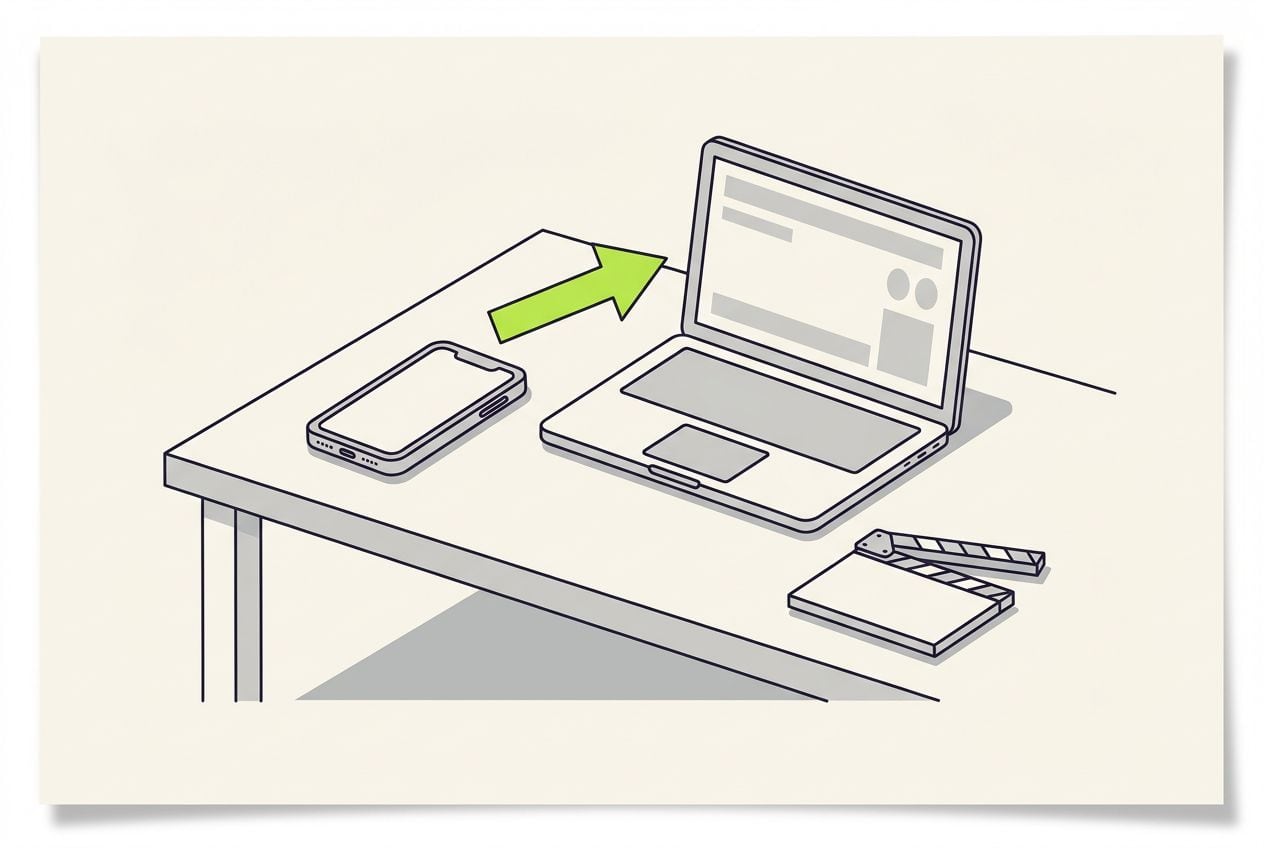
What is the difference between burned-in and closed captions?
Burned-in captions are part of the picture. Closed captions are a separate text file, like an SRT file, that the video player shows on top.
- Neither kind is better in general. It depends on where the video plays and who controls the player.
Burned-in captions and closed captions side by side
Social media ads mostly use burned-in captions. Long videos on YouTube mostly use closed captions.
Look the same everywhere
- Burned-in captions
- Yes, the text is part of the picture
- Closed captions (separate file)
- No, each player shows them its own way
Viewer can turn them off
- Burned-in captions
- No
- Closed captions (separate file)
- Yes
Font, colour and position
- Burned-in captions
- You choose
- Closed captions (separate file)
- The player decides
Screen readers and search can read them
- Burned-in captions
- No, the text is part of the image
- Closed captions (separate file)
- Yes, it is text
Fixing a typo
- Burned-in captions
- Export the video again
- Closed captions (separate file)
- Edit the text file
| Burned-in captions | Closed captions (separate file) | |
|---|---|---|
| Look the same everywhere | Yes, the text is part of the picture | No, each player shows them its own way |
| Viewer can turn them off | No | Yes |
| Font, colour and position | You choose | The player decides |
| Screen readers and search can read them | No, the text is part of the image | Yes, it is text |
| Fixing a typo | Export the video again | Edit the text file |
Why do social media ads use burned-in captions?
Many people scroll with the sound off, and burned-in captions are the only kind that look the same on every app.
- App captions, like TikTok's auto captions, can be switched off by the viewer, and the app decides where they sit.
- With the sound off, the captions carry your whole message.
- You decide where burned-in captions sit, so you can keep them clear of the app's buttons.
- Captions that appear word by word as you speak add movement to a still shot.
This is the whole editor
Highlight a phrase and a clip lands on those exact words. No timeline, no keyframes, no layers.
What are the downsides of burned-in captions?
They are permanent, and that has three costs.
- Speech-to-text most often gets product names, prices and unusual spellings wrong, so check those first.
- Fixing a mistake after export means a new export, not a quick text edit.
The three downsides and what to do about them
| Downside | Why | What to do |
|---|---|---|
| A typo stays in the video | The wrong word is part of the picture | Read the transcript before you export |
| Screen readers cannot read them | The text is part of the image | Also add a caption file where the app accepts one |
| One language per video | The words cannot be swapped | Export one video per language |
Downside: A typo stays in the video
- Why
- The wrong word is part of the picture
- What to do
- Read the transcript before you export
Downside: Screen readers cannot read them
- Why
- The text is part of the image
- What to do
- Also add a caption file where the app accepts one
Downside: One language per video
- Why
- The words cannot be swapped
- What to do
- Export one video per language
How do you add burned-in captions to a video?
Use an editor that writes out what you say and exports the captions as part of the video. VEED, CapCut Pro and Cutroom all do this.
- Pick one clear style that is big enough to read on a phone, and use it in every video.
- Keep the captions in the same place in every video, clear of the app's buttons and text.
From your voice to burned-in captions
Transcribe
the editor writes out what you say
Check the text
fix names, prices and misheard words
Pick a style
font, colour, size and position
Export
the captions become part of the video
Where Cutroom fits
Cutroom burns captions into every video it makes, timed to your voice.
- You upload one clip of yourself talking, up to 3 minutes long, and Cutroom writes out what you said.
- You can fix a misheard word in the transcript, and the captions follow.
- You pick one of 40 caption styles, then its font and colour. There are 7 fonts and 16 colours.
- You can move the captions up or down and set their size with a slider.
- Cutroom does not export a separate SRT caption file. It is made for social media videos.
Burned-in captions in eight of Cutroom's 40 caption styles
Each style is drawn into the video when you export. Your first video is free.
 Clean
Clean Plain
Plain Tape
Tape Note
Note Shout
Shout Chip
Chip Press
Press Soft
Soft
Questions people ask
- Are burned-in captions the same as open captions?
- Yes. Open captions is the broadcast term for captions that are always visible because they are part of the picture. Closed captions are the kind you can switch on and off, sent as a separate file.
- How do I burn captions into a video?
- Use an editor that exports captions as part of the picture, such as VEED, CapCut Pro or Cutroom. It writes out what you say, you check the text and pick a style, and the export has the captions in it. Check the text first, because a typo cannot be fixed after export.
- Do burned-in captions affect video quality or file size?
- Hardly. The text becomes part of the image, so the file size barely changes. Thin letters can look fuzzy after heavy compression, which is one more reason to use a clear, bold style.
- Are burned-in captions accessible?
- Only partly. People who cannot hear can read them, but screen readers cannot, because the text is part of the image. Where an app accepts a caption file, add one as well.
- Can I get an SRT file out of Cutroom?
- No. Cutroom's captions are made to be burned into the video, styled and timed for social media. If a platform needs a separate caption file, make one with a subtitle tool from the finished video.
- Should YouTube videos have burned-in captions?
- Long YouTube videos usually should not, because YouTube has its own captions that viewers can turn on and off. Shorts play in a feed like TikTok, so burned-in captions do the same job there.
Cutroom writes, styles and times your captions from what you said. Your first video is free.