Guide
Real estate b-roll: the 4 kinds of shots to film for a listing
Updated
Real estate b-roll comes in 4 kinds: walkthrough, detail, neighborhood and agent-at-work shots. The first two belong to one listing, and the last two you can reuse for years.
In short
- Real estate b-roll is walkthrough, detail, neighborhood and agent-at-work shots, filmed vertical, about ten seconds each.
- Walkthrough and detail shots belong to one listing. Film 6 to 8 walkthrough clips and 3 to 5 details on photo day.
- Neighborhood shots and shots of you at work fit any future video, so you can reuse them for years.
- You do not need a drone for vertical social videos. A phone at chest height works.
- About four to six clips end up in a 30-second video, so one photo-day shoot covers several videos.
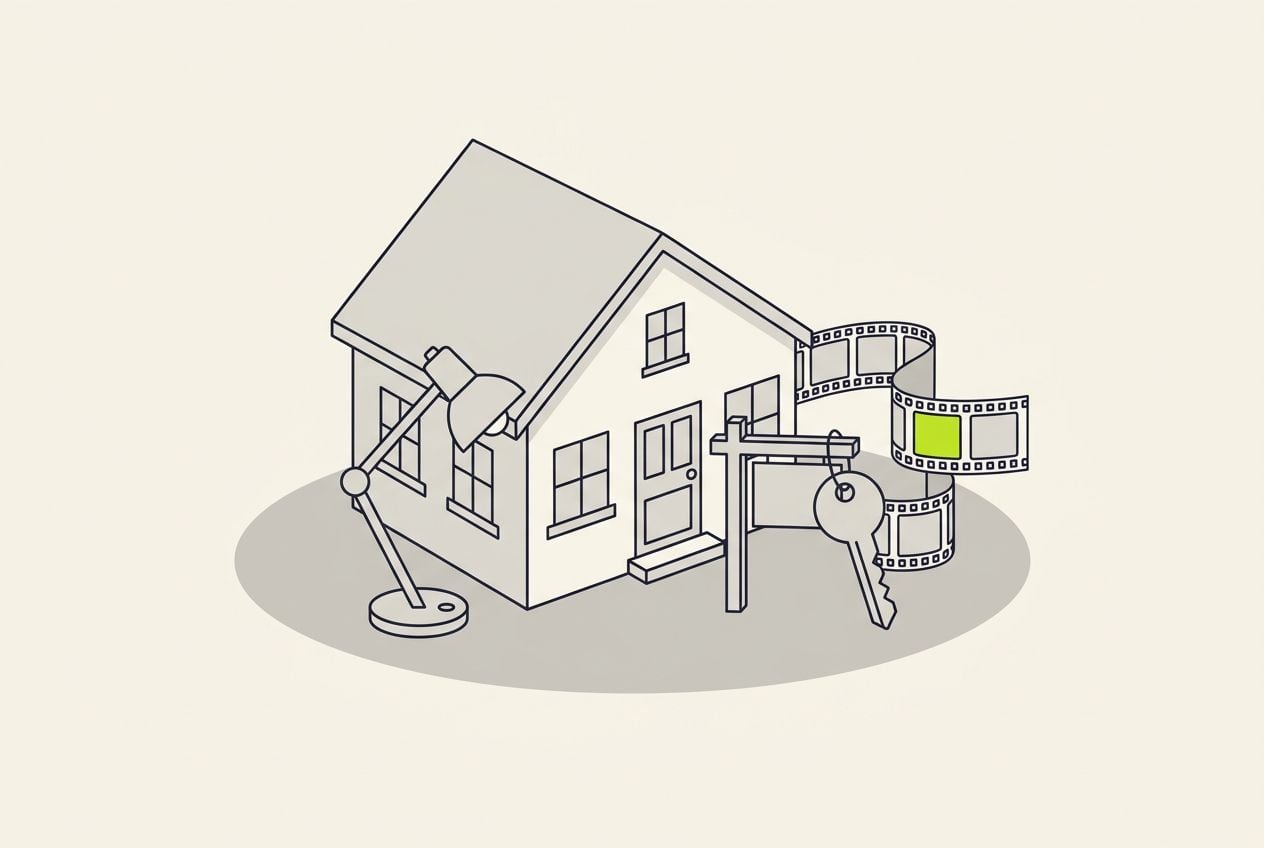
- kinds of real estate b-roll: walkthrough, detail, neighborhood, agent at work
- 4
- kinds you can reuse after the sale closes
- 2
- for a finished 30-second Cutroom video on the Lite plan
- Under $2
The 4 kinds of real estate b-roll
Two kinds belong to one property. The other two show you and your area, so they fit any video you make later.
- Walkthrough shots show each room, filmed from the doorway as you walk in.
- Detail shots show the things buyers ask about, like the closets, the water heater and the view from the kitchen sink.
- Neighborhood shots show the area around the property, like the station, the park, the market and the school.
- Agent-at-work shots show you doing the job, like the sign going in, keys handed over and staging touches.
What to film, and how long each kind stays useful
| Kind | What to film | Stays useful | Clips per listing |
|---|---|---|---|
| Walkthrough | Each room, one slow move, from the doorway | Until the sale | 6 to 8 |
| Detail | Closets, the water heater, original features, the view from the kitchen sink | Until the sale | 3 to 5 |
| Neighborhood | The station, the park, the market, the school | Years; film new ones each season | About 3, from your reusable folder |
| Agent at work | The sign going in, keys handed over, staging, the walk to the door | Years, because it shows you | About 3, from your reusable folder |
Kind: Walkthrough
- What to film
- Each room, one slow move, from the doorway
- Stays useful
- Until the sale
- Clips per listing
- 6 to 8
Kind: Detail
- What to film
- Closets, the water heater, original features, the view from the kitchen sink
- Stays useful
- Until the sale
- Clips per listing
- 3 to 5
Kind: Neighborhood
- What to film
- The station, the park, the market, the school
- Stays useful
- Years; film new ones each season
- Clips per listing
- About 3, from your reusable folder
Kind: Agent at work
- What to film
- The sign going in, keys handed over, staging, the walk to the door
- Stays useful
- Years, because it shows you
- Clips per listing
- About 3, from your reusable folder
How to film walkthrough shots
Film on photo day, when the house is staged, lit and empty.
- Hold the phone vertical at chest height, and use one slow movement per clip, or none.
- Film about ten seconds per room. A fast pan is hard to watch.
- Film each room from the doorway as you walk in, because that is what a buyer sees first.
- Start with the kitchen, the main bedroom and the yard, in case you run out of light or time.
- Open every curtain, switch on every lamp, and walk toward the windows, not away from them.
This is the whole editor
Highlight a phrase and a clip lands on those exact words. No timeline, no keyframes, no layers.
Which detail shots should you film?
Film 3 to 5 details per listing: the things buyers ask about, close enough to fill a vertical frame.
- Closets, with each door opened in one smooth move.
- Film the practical things buyers ask about, like the water heater, the electrical panel, and water running at full pressure from the kitchen tap.
- Original features, like an old latch, tiles or crown molding, which are easy to miss in photos.
- The view from the kitchen sink, because buyers picture themselves standing there.
- The parking spot or the street, filmed from the front door.
Neighborhood and agent-at-work shots you can reuse
Neighborhood shots show where the property is. Agent-at-work shots show you doing the job. Film each one for about ten seconds.
- For the neighborhood, film the station entrance, the park, the Saturday market and the school. They are worth filming whenever you pass one.
- Film a school from a distance or from behind, so no child can be recognized.
- Film new neighborhood clips each season. A summer park looks wrong in a January market update.
- For agent-at-work shots, film the sign going in, keys handed over, staging touches and the walk to the door.
- Keep these clips somewhere separate from the listing folders, because you will use them again for years.
How many clips end up in one video?
About four to six, because each clip is on screen for two or three seconds in a 30-second video.
- Six to eight walkthrough clips are more than one video needs, which is why one listing gives you several videos.
- One neighborhood clip and one agent-at-work clip fit most listing videos.
- Film about ten seconds per shot anyway, so you can cut into the steady part of it.
Where Cutroom fits
Cutroom makes the video where you talk about the listing. You upload a clip of you talking and your b-roll, and get a finished vertical video back in about a minute.
- You record one clip on your phone, up to 3 minutes long, and upload your listing clips.
- Cutroom adds captions and a hook, uses your own clips before any stock footage, and on the Punch and Native styles shortens the pauses.
- Highlight the kitchen sentence in the transcript, and your kitchen clip covers exactly those words.
- A 30-second video costs 110 credits. Lite is $19.99 a month for 1,250 credits, which is about 11 videos.
- It cannot edit a silent tour, because it works from what you say. Use CapCut for a tour set to music.
- Your first video is free, with no card, and you have 7 days to make it. It carries a Cutroom mark; Lite removes it.
Put your listing clips on the right words
Highlight a phrase in the transcript and your clip covers exactly those words.
B-rolls · 5
 1
1 2
2 3
3 4
4 5
5Most face serums make one big promise, then quietly do nothing. This one has three ingredients, works in ten days, and costs less than your coffee habit. If your skin doesn’t change, you get every cent back.
highlight = b-roll · struck out = already cut
▸ 0:07 / 0:26 · shot 1 of 5
- 1B-roll on the exact wordsReal footage, placed where showing beats telling.
- 2The opening headlineWritten from what you said. Pick one it drafted, or write your own.
- 3Captions in 40 themesPick a theme, then its font and colour.
- 49:16, ready to exportExport renders one vertical MP4.
Questions people ask
- What b-roll should I film for a real estate video?
- Four kinds: walkthrough shots of each room, detail shots of what buyers ask about, neighborhood shots, and shots of you at work. The first two are for one listing. The last two you can reuse for years.
- Do I need a drone for real estate b-roll?
- Not for vertical social videos. Aerial shots help a long tour on the listing page, and stock aerials of the town are fine in a market update. Never use a stock aerial in place of the actual property.
- How many b-roll clips does one listing need?
- Film about ten to fifteen: six to eight walkthrough clips, three to five details, and a few neighborhood and agent shots from your reusable folder. A 30-second video uses four to six of them, so one photo day gives you several videos.
- Can I reuse b-roll between listings?
- Neighborhood and agent-at-work clips, yes, as often as you like. Walkthrough and detail shots, no. A buyer who spots the wrong kitchen in your video will doubt the rest of it.
- Should I film the b-roll before or after I record myself talking?
- Before, on photo day, while the house is staged. Then when you talk, you can mention the shots you have. Filming afterwards works too, but you may mention rooms you did not film.
- What does it cost to edit a real estate video in Cutroom?
- A 30-second video costs 110 credits: 100 to edit it and 10 to export it. Lite is $19.99 a month for 1,250 credits, which is about 11 videos. Cutroom exports vertical 9:16 MP4s for Reels, TikTok and Shorts.
Film the house while it is staged, then talk for a few minutes and let Cutroom do the edit. Your first video is free.