For your team
Video marketing for nutritionists: short reels that answer one food question
The video marketing that works for nutritionists is short, captioned answers to one food question at a time. Film one clip on your phone and Cutroom returns a finished 9:16 reel in about a minute.
In short
- Video marketing for nutritionists means short reels that each answer one food question, filmed by you.
- Say your qualification in the first seconds, because a viewer has no other way to tell you from an untrained creator.
- Teach how food works for most people. Do not tell one viewer what to do about their own condition.
- Cutroom turns one phone clip of you talking into a captioned 9:16 reel in about a minute.
- Your first video is free with no card. Lite costs $19.99 a month and covers about 11 reels.
- Longest clip you can upload
- 3 min
- Caption themes to keep a series consistent
- 40
- Until the edit comes back
- ~1 min
What nutritionists need from video
Nutritionists get the most out of short videos that each answer one food question, posted where their future clients already scroll.
- Answer the question first and say who you are second. People watch the answer, then tap the profile.
- Anyone can post food advice, so your title is the thing that tells a viewer to trust this answer.
- The answer has to make sense with the sound off, so burned-in captions are not optional.
- Aim for one answer a week. That is one clip filmed on your phone, finished in about a minute.
- Editing is the part that stops most people. Cutroom does the cutting, the captions and the b-roll.
What a dietitian can say on camera
Your qualification is the reason to watch you. It also sets the limit on what you say.
- Say your credential once, in the first seconds: your title and what you work on.
- Say it out loud and it appears in the burned-in captions, so muted viewers see it too.
- Explain how something works for most people. Do not tell one viewer what to do about their own condition.
- If you name a supplement or a brand, say whether you are paid for it and check your body's endorsement rules.
- Your licensing board or professional body sets the exact line for social media, so read its guidance.
What fits a public reel, and what belongs in a consultation
The point
- Fits a public reel
- What the evidence says for most people
- Belongs in a consultation
- What one person should do about their condition
An example
- Fits a public reel
- What fibre does in digestion
- Belongs in a consultation
- Which foods to cut for a diagnosed gut condition
The shape
- Fits a public reel
- One question, answered for everyone
- Belongs in a consultation
- One person, assessed and followed up
Your credential
- Fits a public reel
- Said once, in the first seconds
- Belongs in a consultation
- Backed by an assessment of the person
| Fits a public reel | Belongs in a consultation | |
|---|---|---|
| The point | What the evidence says for most people | What one person should do about their condition |
| An example | What fibre does in digestion | Which foods to cut for a diagnosed gut condition |
| The shape | One question, answered for everyone | One person, assessed and followed up |
| Your credential | Said once, in the first seconds | Backed by an assessment of the person |
This is the whole editor
Highlight a phrase and a clip lands on those exact words. No timeline, no keyframes, no layers.
Meta's rules for health and weight-loss ads
Paid ads on Facebook and Instagram add a second set of rules on top of your professional body's.
- Meta restricts ads that suggest the viewer has a health condition or a weight problem.
- Meta also restricts ads built on weight-loss before-and-after pictures.
- Open with the food question, such as what to eat before a long run. Do not open by telling the viewer about their own weight or health.
- Boosting a reel turns it into an ad, so Meta's advertising standards and your body's advertising rules both apply to it.
- Read Meta's own advertising standards before you boost an offer video, because the rules change.
Three reel formats for nutritionists
Each format is one clip of you talking, and each one comes back from Cutroom as its own finished reel.
- Post one corrected myth or one practical answer each week.
- Record the consultation offer once, and post it every few weeks alongside the others.
Nutrition reel formats
Three reels a nutritionist can film, what each one says and one tip for filming it.
| Format | What you say | Tip |
|---|---|---|
| One myth, corrected | The myth, the evidence in one plain sentence, what to do instead | About 45 seconds. People send it to a friend who believed the myth |
| What I would eat before… | A practical answer for one situation: a race, a night shift, an exam | Name the foods out loud so the b-roll lands on them |
| The consultation offer | Who it is for, what the first session includes, how to book | The one video in the series that asks for anything |
Format: One myth, corrected
- What you say
- The myth, the evidence in one plain sentence, what to do instead
- Tip
- About 45 seconds. People send it to a friend who believed the myth
Format: What I would eat before…
- What you say
- A practical answer for one situation: a race, a night shift, an exam
- Tip
- Name the foods out loud so the b-roll lands on them
Format: The consultation offer
- What you say
- Who it is for, what the first session includes, how to book
- Tip
- The one video in the series that asks for anything
How Cutroom turns your clip into a reel
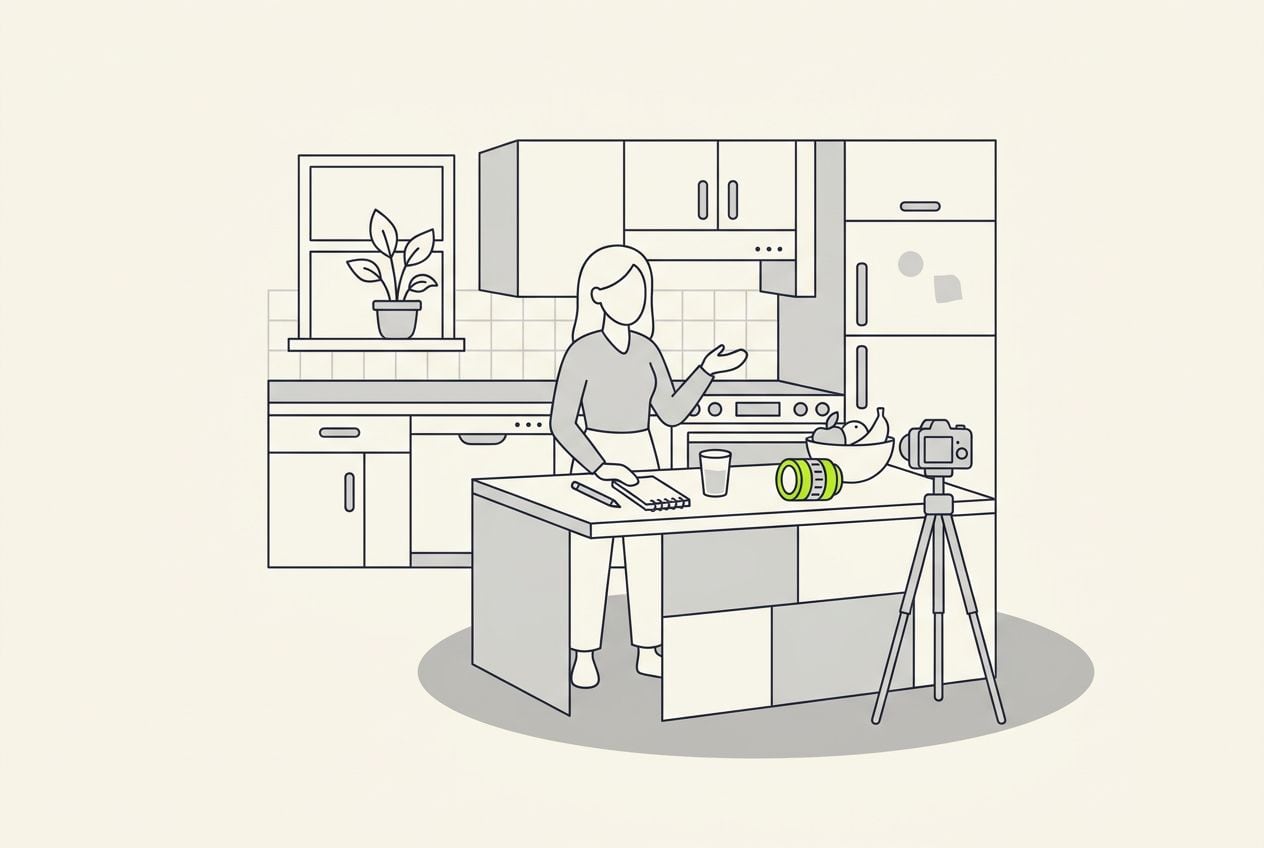
Film one clip in your kitchen or consulting room and upload it in a browser. The reel comes back in about a minute.
- You upload one clip of yourself talking, up to 3 minutes long, filmed on your phone.
- Cutroom cuts it, burns in captions timed to your voice, writes an opening headline and puts b-roll on the foods you name.
- Fix a mis-heard ingredient or a wrong gram count in the transcript before you export.
- Delete a line that drifted toward personal advice and the edit rebuilds around it.
- Pick one of 40 caption themes, then its font and colour, and every week's reel looks the same.
- You get a 1080x1920 MP4 for Reels, TikTok and YouTube Shorts.
The finished reel in the editor's player
What you export: a 1080x1920 MP4 with the captions in the picture, ready for Reels, TikTok and Shorts.

▸ 0:07 / 0:26 · shot 1 of 5
Video tools nutritionists compare
Pick the tool by what you record.
- OpusClip: cuts long recordings, like webinars or cooking classes, into many short clips.
- Captions: a phone app with AI edit styles, stylised captions and generated music.
- Jupitrr: an editor with a content calendar and publishing, for coaches who post weekly. No free plan.
- Cutroom: one clip of you answering a question in, one finished reel back. Your first video is free.
Four video tools for a nutrition practice, side by side
Prices as published on each vendor's own pricing page on the day shown. Plans change; check the page before you pay.
| Tool | Best for | Editing approach | Platform | Pricing from |
|---|---|---|---|---|
 Captions Captions | Mobile-first AI editing of talking videos | AI edit styles applied to your video, with manual controls | iOS, Android, web | Free version; Max $24.99/month |
 OpusClip OpusClip | Turning long videos into many short clips | AI picks clips from long video and captions them | Web, mobile | Free plan (watermark); Starter $15/month |
 Jupitrr Jupitrr | Coaches and consultants publishing every week | Automatic edit on upload, then adjust | Web, mobile teleprompter app | No free plan; Starter $18/month, annual ($22 monthly) |
| Cutroom | One filmed answer finished as a 9:16 reel | Upload one clip; b-roll, captions and a hook are placed for you | Browser | First video free, no card; Lite $19.99/month |
- Captions
- Best for
- Mobile-first AI editing of talking videos
- Approach
- AI edit styles applied to your video, with manual controls
- Platform
- iOS, Android, web
- Pricing from
- Free version; Max $24.99/month
- OpusClip
- Best for
- Turning long videos into many short clips
- Approach
- AI picks clips from long video and captions them
- Platform
- Web, mobile
- Pricing from
- Free plan (watermark); Starter $15/month
- Jupitrr
- Best for
- Coaches and consultants publishing every week
- Approach
- Automatic edit on upload, then adjust
- Platform
- Web, mobile teleprompter app
- Pricing from
- No free plan; Starter $18/month, annual ($22 monthly)
Cutroom
- Best for
- One filmed answer finished as a 9:16 reel
- Approach
- Upload one clip; b-roll, captions and a hook are placed for you
- Platform
- Browser
- Pricing from
- First video free, no card; Lite $19.99/month
Prices and plans read from each vendor's own pricing page on 21 September 2026.
What a weekly nutrition reel costs
Cutroom charges credits: 100 to edit a video, plus 20 per minute of finished video to export.
- One 30-second reel costs about 110 credits, and a full minute costs about 120.
- A weekly answer plus one offer video a month fits inside Lite, with credits left to re-record one.
- Your first video is free and needs no card, but you have to make it within 7 days of signing up, and it carries a Cutroom mark.
Cutroom plans
| Plan | Price | Credits | 30-second reels a month |
|---|---|---|---|
| First video | Free, no card | 600 | 1, with a Cutroom mark |
| Lite | $19.99 a month | 1,250 | About 11, no mark |
| Basic | $39.99 a month | 2,500 | About 22, plus avatars and generated music |
| Premium | $79.99 a month | 5,000 | About 45 |
Plan: First video
- Price
- Free, no card
- Credits
- 600
- 30-second reels a month
- 1, with a Cutroom mark
Plan: Lite
- Price
- $19.99 a month
- Credits
- 1,250
- 30-second reels a month
- About 11, no mark
Plan: Basic
- Price
- $39.99 a month
- Credits
- 2,500
- 30-second reels a month
- About 22, plus avatars and generated music
Plan: Premium
- Price
- $79.99 a month
- Credits
- 5,000
- 30-second reels a month
- About 45
Questions people ask
- Can a dietitian give nutrition advice in a reel?
- Yes, as general education. Explain how something works for most people, not what one viewer should do about their own condition. Your licensing board or professional body sets the exact line, so check its social media guidance. Cutroom shows every word as a transcript before export, so that check is a quick read.
- Should a nutritionist say their credentials on camera?
- Yes, once and early. Your title in the first seconds tells a viewer why to trust this answer over the last one they saw. Say it out loud and it appears in the captions too. You can also put it in the opening headline.
- How long should a nutrition reel be?
- Thirty to sixty seconds for one question. A corrected myth fits in about 45 seconds: the myth, the evidence in one sentence, what to do instead. Cutroom accepts a clip of up to 3 minutes, so you can talk longer and delete the extra lines in the transcript.
- What b-roll works for food and nutrition videos?
- Footage of the food you name. Say oats, lentils or a glass of milk, and a clip of that food over those words makes the point faster. Cutroom places b-roll on words that describe something. Highlight any phrase to put a clip there, or swap in a different free clip.
- Can I promote a paid consultation with these videos?
- Yes. Make one offer video: who the programme is for, what the first session includes and how to book. Keep it to what you actually deliver. Read Meta's rules for health and weight-loss ads before you boost it.
- Will the captions spell ingredient and nutrient names correctly?
- Usually, but check them once. Any transcript can mishear a word like psyllium or a vitamin name. Fix the word in the transcript and the captions follow. Read the numbers too: a wrong gram count is the error people screenshot.
- Who should not use Cutroom as a nutritionist?
- A practice that wants long cooking demos, recipe videos shot from several angles, or a podcast cut into clips. Cutroom finishes one clip of you talking, up to 3 minutes long, into one vertical video.
Answer the food question your clients ask most, once, on camera. Your first video is free.