Guide
Case study video ad format: one client result in 45 seconds
A case study video ad is you, on camera, telling one client result: the number first, then the one change that caused it. Here is a 45-second structure and an example script.
In short
- A case study video ad is where you tell one client result to the camera, with the number first.
- This format works best at 40 to 50 seconds, with one change and its before and after figures.
- It suits agencies, consultants, B2B software firms and specialist trades with results they can measure.
- Every figure must be real, and the client should agree in writing before you share it.
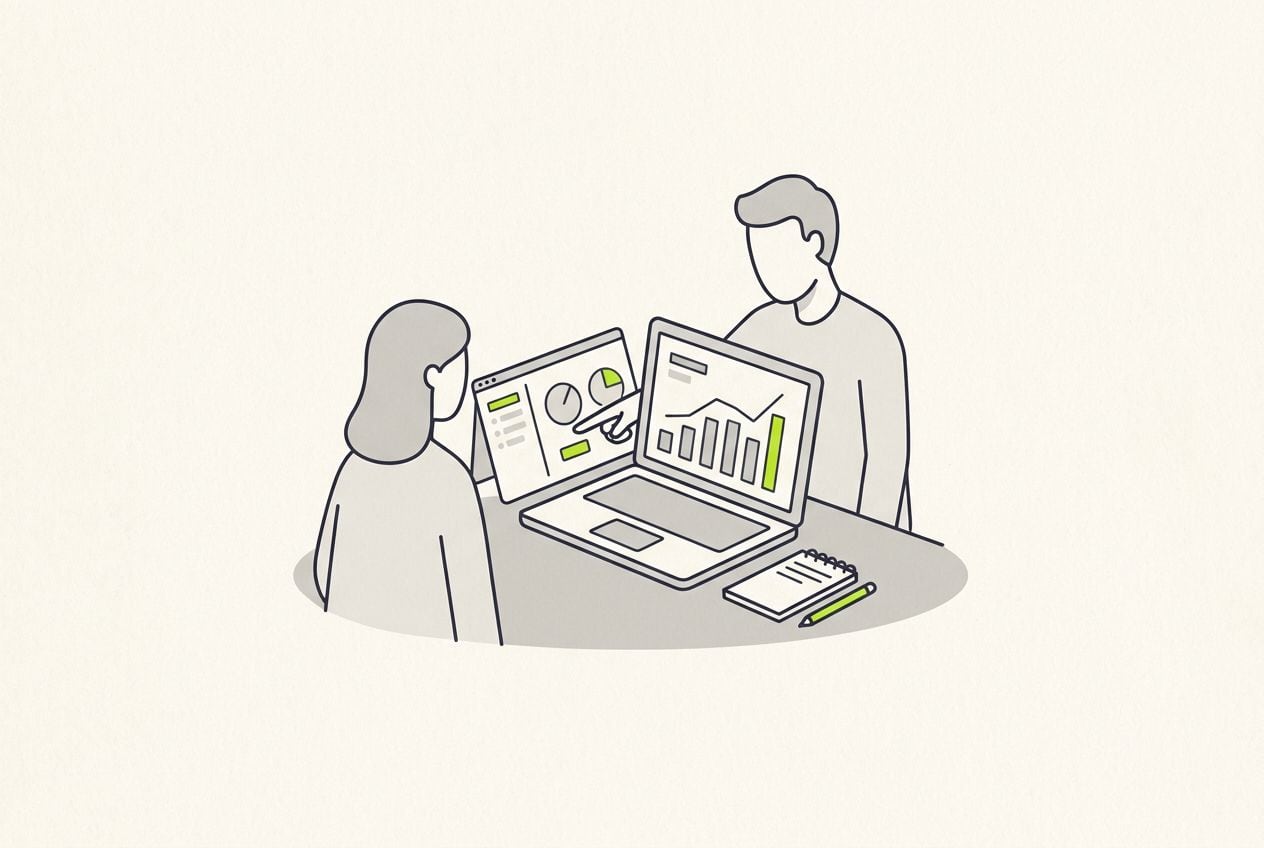
- length of the example structure
- 45 s
- change, with before and after figures
- 1
- words in the example script
- 105
What is a case study video?
A case study video is a short talking-head video where a service provider sums up one client project in under a minute.
- It usually runs 40 to 50 seconds, in vertical 9:16.
- It opens with the result as a number and a timeframe.
- Then it covers the client's situation, the one change, the before and after figures, who else it applies to and an offer to help.
- Compared with a written case study, the background is cut and the numbers are kept.
- Buyers watch it because they want proof from a business like theirs before they book a call.
- One change is enough. If you list twelve, the viewer cannot tell which one moved the number.
Who should make case study videos?
It works when your result is a number and the client lets you say it. It also works for results you cannot film.
- Good results for this format include conversion rates, lead counts, hours saved, energy bills and waiting lists.
- Agencies and consultants can use it for client outcomes they can measure.
- B2B software founders can use it when a customer will share figures.
- Specialist trades such as insulation, solar and heating can use results that show on a bill.
- It works best shown to buyers in the same trade as the client, because they recognise the numbers.
This is the whole editor
Highlight a phrase and a clip lands on those exact words. No timeline, no keyframes, no layers.
How to structure a case study video in 45 seconds
The result opens the video, because a number in the first 4 seconds is the hook.
- The change is the longest part, at 12 seconds. Make it specific enough that the viewer could try it.
- Say exactly what you changed. A viewer who cannot picture the change will not believe the number.
- When you say who else this helps, say what they have in common with your client, such as selling anything bulky or having a quote form on the site.
A case study video in 45 seconds
The result opens the video. One change explains it.
Result
0-4 s. The number and the timeframe
Situation
4-12 s. Who the client is, and what was not working
The change
12-24 s. The one change, in detail
Numbers
24-34 s. Before and after figures
Who it applies to
34-40 s. Who else this could help
Call to action
40-45 s. Offer to look at the viewer's own situation
Example case study script
Here is an example script for a checkout consultant. It is 105 words, which takes about 45 seconds to say out loud.
In your own version, use only real figures and get the client's permission first.
Example script: a furniture shop checkout
One line for each part of the structure above.
| Part | Time | What you say |
|---|---|---|
| Result | 0-4 s | We took a furniture shop from one sale in a hundred visits to almost two, in six weeks. |
| Situation | 4-12 s | They sell oak tables online. Traffic was fine. People added to basket, reached the delivery page, and left. |
| The change | 12-24 s | Delivery was priced at the last step. We moved the cost onto the product page and added a delivery date picker. Same ads, same prices. |
| Numbers | 24-34 s | Checkout starts rose by a third. Completed orders went from one point one percent to one point nine. |
| Who it applies to | 34-40 s | If you sell anything bulky, your delivery page is probably doing the same. |
| Call to action | 40-45 s | Send me your checkout link and I will tell you what I see. |
Part: Result
- Time
- 0-4 s
- What you say
- We took a furniture shop from one sale in a hundred visits to almost two, in six weeks.
Part: Situation
- Time
- 4-12 s
- What you say
- They sell oak tables online. Traffic was fine. People added to basket, reached the delivery page, and left.
Part: The change
- Time
- 12-24 s
- What you say
- Delivery was priced at the last step. We moved the cost onto the product page and added a delivery date picker. Same ads, same prices.
Part: Numbers
- Time
- 24-34 s
- What you say
- Checkout starts rose by a third. Completed orders went from one point one percent to one point nine.
Part: Who it applies to
- Time
- 34-40 s
- What you say
- If you sell anything bulky, your delivery page is probably doing the same.
Part: Call to action
- Time
- 40-45 s
- What you say
- Send me your checkout link and I will tell you what I see.
Hook lines for a case study video
The hook is your first sentence. It is the result, with both figures and the timeframe. Here are three the checkout consultant could say, with your own client and numbers in place of theirs.
- We took a furniture shop from one sale in a hundred visits to almost two, in six weeks.
- One change gave a furniture shop nearly twice as many orders. Here it is.
- A furniture shop, six weeks, nearly twice as many orders. Nothing else changed.
Where to put the figures, b-roll and captions
The figures must be readable at a glance, so show them on screen as digits.
- Show the headline result on screen in the opening seconds.
- Stay on camera for the result and the call to action.
- Use a screen recording or a photo of the changed page as b-roll while you explain the change.
- Give the before and after numbers their own caption colour, so they stand out.
- Narrow, evenly spaced letters keep a figure like one point nine percent on one line.
Caption styles that keep figures readable
Four caption styles from the Cutroom editor. Frame puts an outline around each line. Narrow uses wide-spaced capitals. Chrome gives the letters a silver gradient. Clean puts the words in a white pill.
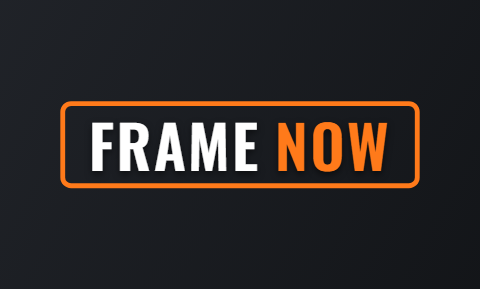 Frame
Frame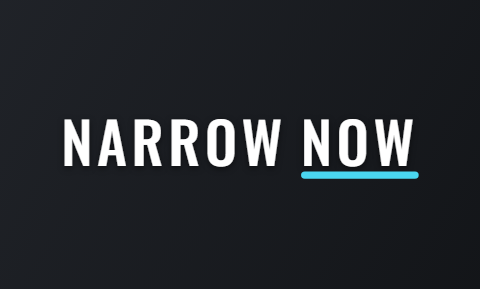 Narrow
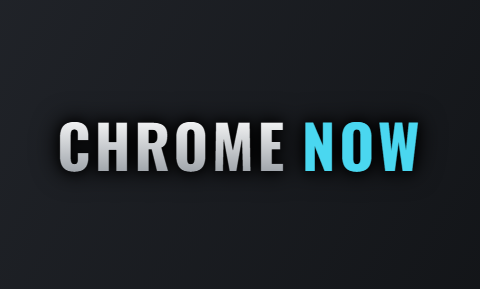 Chrome
 Clean
Clean
Common case study video mistakes
Most mistakes come from copying the written case study. The video has 45 seconds to make a similar business think "that could be me".
- Opening with the client's history loses people. Open with the number.
- Percentages without a starting point mean little. Say one point one to one point nine percent, not a 73 percent lift.
- Twelve changes are too many. Pick the one that moved the number and save the rest for the call.
- Using figures without permission can cost you the client. Ask first, and leave their name out if they prefer.
Case study videos on Reels, TikTok, Shorts and LinkedIn
For B2B sellers, the same 9:16 file works outside the three short-video apps too.
- The Shorts title matters, because a prospect in that industry who finds it is already halfway to booking a call.
Where a case study video works
| Platform | How to use it |
|---|---|
| Instagram Reels | Run it as an ad for people who already visited your site. |
| TikTok | Post it as a normal video. |
| YouTube Shorts | Post it, and title it with the client type and the result, such as furniture shop checkout conversion. |
| LinkedIn and email | Post the same file on LinkedIn, or send it in a sales email. |
Platform: Instagram Reels
- How to use it
- Run it as an ad for people who already visited your site.
Platform: TikTok
- How to use it
- Post it as a normal video.
Platform: YouTube Shorts
- How to use it
- Post it, and title it with the client type and the result, such as furniture shop checkout conversion.
Platform: LinkedIn and email
- How to use it
- Post the same file on LinkedIn, or send it in a sales email.
Making a case study video in Cutroom
Cutroom edits the video for you. You tell the result to the camera once, add your screenshots, and get a finished vertical video back.
- You upload one video of yourself talking, up to 3 minutes long, plus screenshots or screen recordings.
- Captions are made from your words and burned in. If the transcript mishears a figure, you fix that word.
- You select the before and after numbers and give only those their own caption style and colour.
- You type the result as the headline on screen, and highlight the sentence where each screenshot belongs.
- You get a 9:16 MP4. Your first video is free, with no card, and you have 7 days to make it.
Questions people ask
- How long should a case study video ad be?
- 40 to 50 seconds. The example here runs 45 seconds and 105 words. That covers the result, the situation, one change, the figures, who it applies to and a call to action. A longer project deserves a written case study, with this video as the summary.
- Do I need the client on camera for a case study video?
- No. You sum up the project yourself, with the client's permission to share the figures. A client on camera is stronger proof but harder to arrange. Make your version now, and add a client clip later if one becomes available.
- Can I share client numbers publicly?
- Only with permission. Ask in writing, say where the video will run, and offer to leave out the name and round the figures. Clients agree more easily when you describe them as a furniture shop instead of naming the brand.
- Should I give away the method in the video?
- Yes. Naming the exact change is what makes the result believable. Viewers who can do it themselves will, and they were never going to hire you. The ones who book a call want the change made for them.
- Can Cutroom edit a case study video?
- Yes. Film it as one video of up to 3 minutes and upload it. Cutroom adds captions, lets you fix any figure the transcript misheard, puts the result on screen as a headline and places your screenshots on the phrases you highlight. Your first video is free, with no card.
- When is a case study video the wrong format?
- When you have no measured result, or the client will not allow any figure to be shared. Use a testimonial reaction or a customer review read-out instead, where the proof is the customer's own words.
Tell one result, one change and two figures in one video, and let Cutroom edit it. Your first video is free.