For your team
Video marketing for coaches: short videos that answer client questions
The simplest video marketing for coaches is short videos where you explain one idea or answer one client question. Cutroom turns one phone video of you talking into a finished, captioned vertical video in about a minute.
In short
- Video marketing for coaches works best as short videos where you explain one idea or answer one client question.
- Good first videos are a framework you use, a question clients ask, a common mistake and a myth in your field.
- Cutroom turns one phone video of you talking, up to 3 minutes, into a finished vertical video with captions.
- Cutroom's Lite plan is $19.99 a month, enough for about 10 videos of a minute.
- Your first video is free, with no card, and you have 7 days to make it.
- Until the edited video is back
- ~1 min
- Cutroom Lite a month, about 10 videos of a minute
- $19.99
- Your first video, no card, 7 days to make it
- Free
What coaches should post
Post videos that teach one useful thing. A viewer who learns something from you also sees how you coach.
- Keep each video to one idea. Two ideas in one video make both harder to follow.
- 30 to 60 seconds is enough to explain one idea properly.
- The questions clients ask you on calls are your best list of video ideas.
5 video ideas for coaches
| Video | What to say |
|---|---|
| A framework | Name it, give the three steps and one example from your work |
| A client question | A question clients ask you often, answered in plain words |
| An objection | Why people hesitate to hire a coach like you, and your honest answer |
| A mistake | What clients often tried before they came to you, and what works better |
| A myth | Advice in your field that sounds right but is not, and why |
Video: A framework
- What to say
- Name it, give the three steps and one example from your work
Video: A client question
- What to say
- A question clients ask you often, answered in plain words
Video: An objection
- What to say
- Why people hesitate to hire a coach like you, and your honest answer
Video: A mistake
- What to say
- What clients often tried before they came to you, and what works better
Video: A myth
- What to say
- Advice in your field that sounds right but is not, and why
How Cutroom works
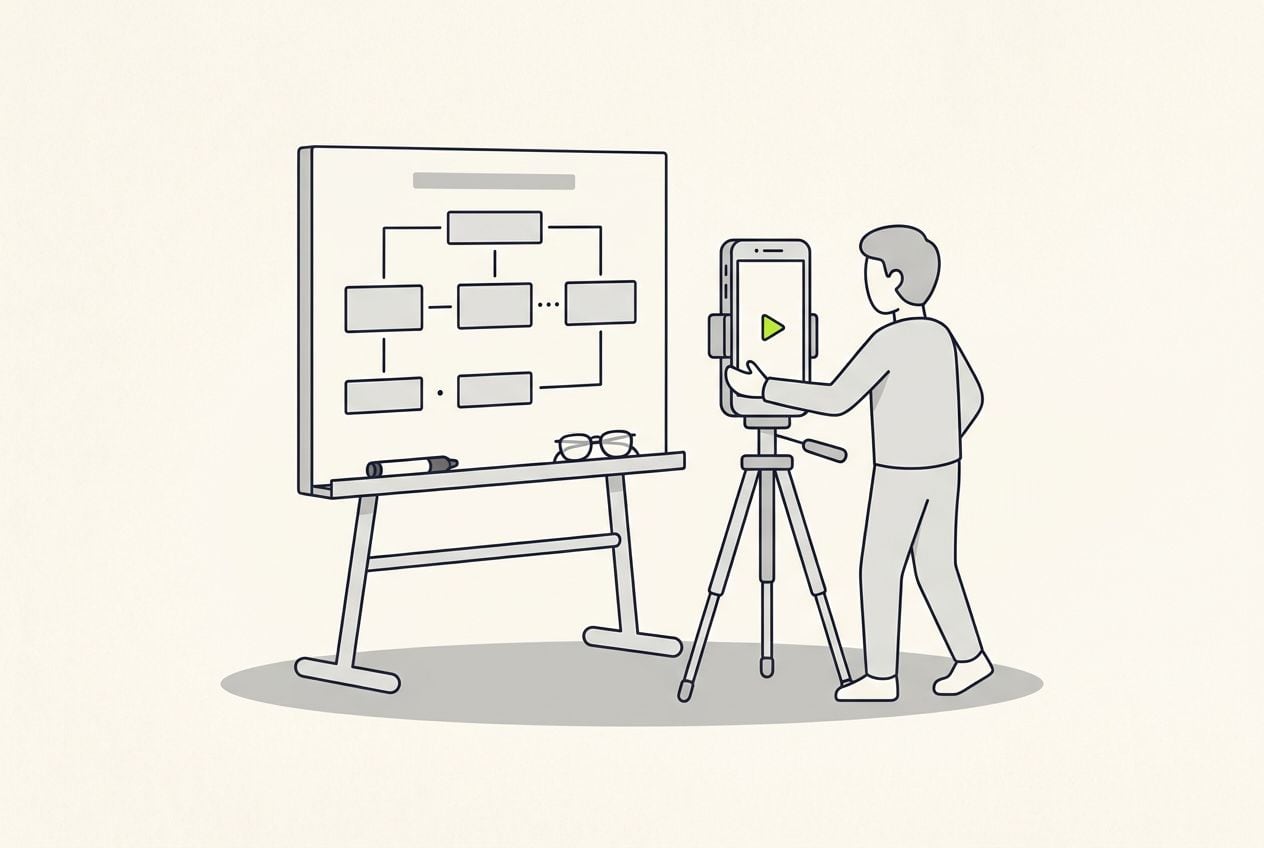
You film one video of yourself talking on your phone. Cutroom does the editing.
- You upload one video of you talking, up to 3 minutes. You need no script.
- Cutroom writes out what you said and adds captions timed to each word.
- Before you upload you pick one of four edit styles. Straight cut and Flow keep your take the way you said it, and Flow adds short sound effects where the picture changes. Punch and Native are faster: they shorten the long pauses Cutroom finds between your words and take out the ums and uhs that show up in your transcript.
- It adds clips over your words and writes an opening headline. You can change both.
- You get a vertical 9:16 MP4 for Instagram Reels, TikTok, YouTube Shorts and the LinkedIn mobile app.
From one video of you talking to a posted video
A one-minute video costs 120 credits, edit and export together.
Film
Up to 3 minutes, phone at eye level
Upload
In your browser
Cutroom edits it
100 credits, back in about a minute
You change the text
Swap a clip or fix a word
Export
20 credits per minute of video
This is the whole editor
Highlight a phrase and a clip lands on those exact words. No timeline, no keyframes, no layers.
How you change the video
The edit comes back as a page of text. You pick which words your clips play over, and you fix anything Cutroom misheard.
- Highlight the phrase where you name your framework, and a clip or slide plays over exactly those words.
- Fix a word Cutroom misheard, and the captions change with it.
- Upload your own slides, screenshots or session clips once. They stay in your library for later videos.
- Where you have no clip of your own, Cutroom uses one of millions of free stock clips.
- Captions come in 40 styles, so people watching with the sound off can follow.
The Cutroom editor
Highlight the phrase that names your framework and pick a clip. The vertical frame shows the result.
B-rolls · 5
 1
1 2
2 3
3 4
4 5
5Most face serums make one big promise, then quietly do nothing. This one has three ingredients, works in ten days, and costs less than your coffee habit. If your skin doesn’t change, you get every cent back.
highlight = b-roll · struck out = already cut
▸ 0:07 / 0:26 · shot 1 of 5
- 1B-roll on the exact wordsReal footage, placed where showing beats telling.
- 2The opening headlineWritten from what you said. Pick one it drafted, or write your own.
- 3Captions in 40 themesPick a theme, then its font and colour.
- 49:16, ready to exportExport renders one vertical MP4.
What it costs
You pay in credits. A one-minute video costs 120: 100 to edit it and 20 to export it.
- One video a week, a minute long, uses about 480 of the 1,250 credits Lite gives you each month.
Cutroom plans
Editing costs 100 credits, and exporting costs 20 credits for each minute of the finished video, so a 30-second video costs 110. You can cancel any time in Settings.
| Plan | Price | Credits | What you get |
|---|---|---|---|
| First video | Free, no card | 600, for one video | 7 days to make it, with a Cutroom watermark across the middle |
| Lite | $19.99 a month | 1,250 | About 10 videos of a minute, no watermark |
| Basic | $39.99 a month | 2,500 | About 20 videos of a minute, plus avatars and generated music |
| Premium | $79.99 a month | 5,000 | About 41 videos of a minute |
Plan: First video
- Price
- Free, no card
- Credits
- 600, for one video
- What you get
- 7 days to make it, with a Cutroom watermark across the middle
Plan: Lite
- Price
- $19.99 a month
- Credits
- 1,250
- What you get
- About 10 videos of a minute, no watermark
Plan: Basic
- Price
- $39.99 a month
- Credits
- 2,500
- What you get
- About 20 videos of a minute, plus avatars and generated music
Plan: Premium
- Price
- $79.99 a month
- Credits
- 5,000
- What you get
- About 41 videos of a minute
What Cutroom does not do
Cutroom is built for short videos of you talking, not for long recordings.
- It does not cut a one-hour webinar into clips. Uploads stop at 3 minutes, and one upload makes one video.
- If you want clips from long recordings, a clipping tool such as OpusClip is built for that job.
- It only makes vertical 9:16 video, not wide video for a website or a presentation screen.
- Cutroom's Basic plan can make an avatar presenter from a photo and a voice-over, at 350 credits a minute, but then clients do not see you.
Questions people ask
- Do coaches need to be on camera?
- For most coaching videos, yes, because clients are deciding whether to work with you. If you will not film, Cutroom's Basic plan at $39.99 a month can make an avatar presenter from a photo and a voice-over, at 350 credits a minute.
- Can I turn my webinar recording into short videos?
- Not with Cutroom, because uploads stop at 3 minutes. Pick the three best points from the webinar and say each one again to your phone in about 45 seconds. Or use a clipping tool such as OpusClip.
- How long should coaching videos be?
- 30 to 60 seconds, with one idea per video. Shorter videos also cost less in Cutroom, because exporting costs 20 credits per minute.
- What does one video cost?
- A one-minute video costs 120 credits: 100 for the edit and 20 for the export. Cutroom's Lite plan is $19.99 a month for 1,250 credits, about 10 of those videos. Your first video is free.
- Can I use my own slides and footage?
- Yes. Upload slides, screenshots or clips to your library once. Highlight the phrase where one belongs, and it plays over exactly those words.
- What if I do not like how I sound in the video?
- Film it again. A second try is usually faster than fixing the first one, and a new one-minute video costs 120 credits.
Film your answer to one client question and post it today. Your first video is free.