Guide
Batch filming content: a month of videos in one day
Updated
One planned filming day can cover a month of posts. Plan your energy, not just your topics: hard topics while you are fresh, easy ones after lunch, then stop early.
In short
- Batch filming means filming a month of videos in one planned day, then posting them over the following weeks.
- Collect 12 topics from questions people already asked you by email, by message, on calls and in comments.
- Film the hard topics in hours two and three, while you are fresh, and only easy ones after lunch.
- Bring 3 tops and change them in blocks, so the videos do not all look like the same day.
- Expect 9 or 10 usable videos from twelve topics on your first batch day, not the 30 that productivity posts promise.
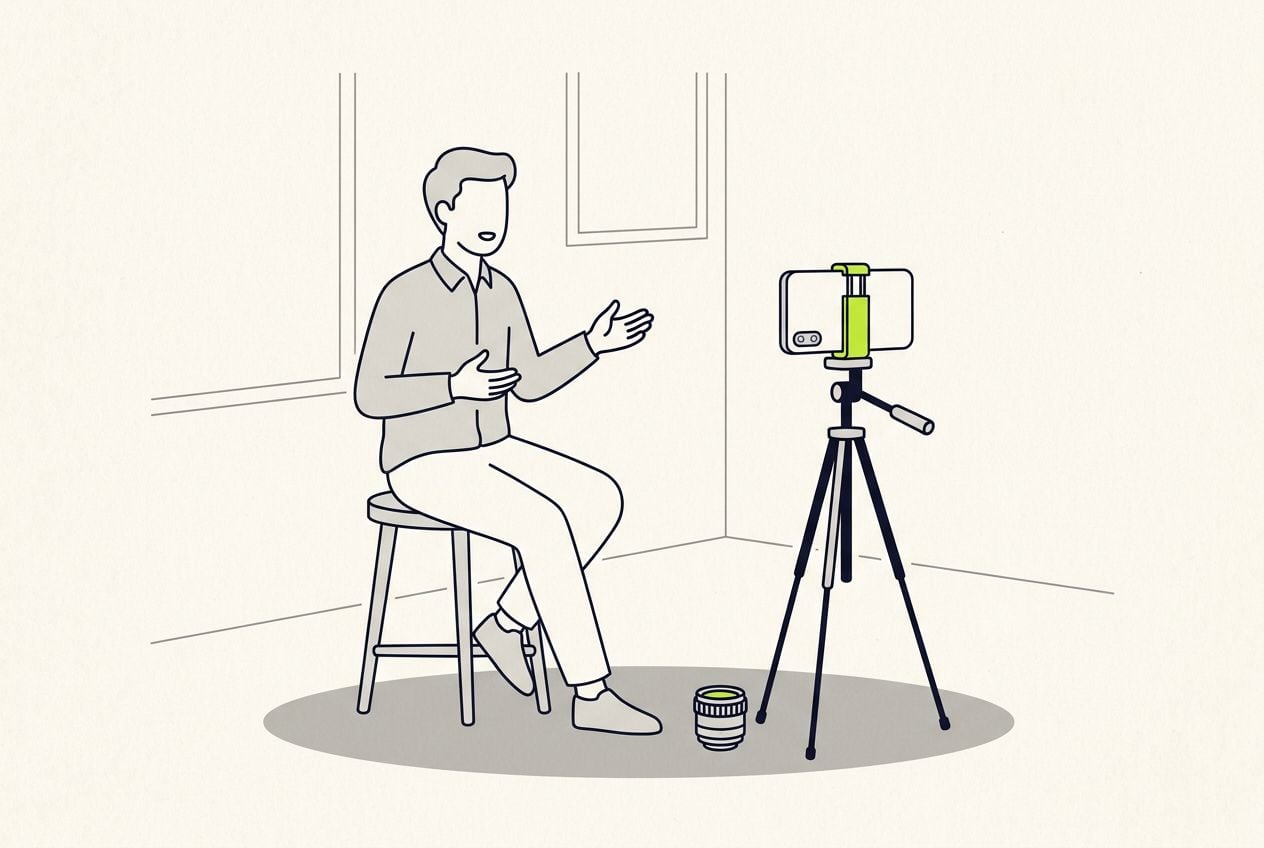
- Topics on the list. Expect about ten to survive the day
- 12
- Outfit changes that look like three separate filming days
- 3
- The longest clip worth recording. Past that it is usually two topics
- 3 min
- Usable videos from a first batch day
- 9 or 10
The batch day plan, hour by hour
You have about four good hours of talking to camera in you. Spend them in this order.
- Film the hard topics in hours 2 and 3. Hard means anything with numbers, steps or caveats in it.
- After lunch, film only the questions you answer on autopilot. You can be tired and still get those right, because you have said them a hundred times.
- Stop when your energy goes, even if a topic is still on the list. Anything you film past that point usually gets filmed again next month.
- You cannot hear your own energy drop while you are filming. The recordings you make late in the day sound fine that evening and flat when you watch them back.
The batch day, hour by hour
Hard topics live in hours two and three. Nothing new gets filmed after mid afternoon.
- Hour 1: setup, sound check, one throwaway recordingwarm-up
- Hours 2-3: the hard topics, best energypeak
- Hour 4: lunch, outfit change, setup photosreset
- Hours 5-6: easy topics only, then stop earlyautopilot
Step 1: pick 12 topics from real questions
Do not brainstorm topics. Collect them from the questions people already ask you, in their own words.
- Look through last month's client emails, messages, sales calls and comments.
- Write one line per topic, phrased as the question you were asked, not as a script.
- Each finished video is 30 to 60 seconds long, so twelve topics covers about a month of posting.
- If you cannot explain a topic to a friend in one breath, move it to next month.
- Mark each topic easy, medium or hard. Easy is one you answer every week; hard has numbers, steps or caveats.
This is the whole editor
Highlight a phrase and a clip lands on those exact words. No timeline, no keyframes, no layers.
Step 2: bring 3 outfits, keep one setup
Twelve videos in the same shirt give the batch day away. Changing your top takes about three minutes.
- Bring 3 tops. You film from the chest up, so nobody sees the same jeans twelve times.
- Change in blocks. Film four topics in the first top, change, four in the second, then change again.
- Move one thing in the background per block, like a lamp on or off, a chair moved, a different angle.
- Photograph each setup before you change it, so next month you can match it and your feed keeps its look.
- Use your normal kit. That is the phone at eye level, a window one step away and a wired mic around $20.
- Do not move the setup during the day. Every move costs about 20 minutes and one outfit block.
Step 3: write down which recording was the good one
By the thirtieth recording, nobody remembers which attempt was the good one. A quick list saves an hour of hunting later.
- After each topic, write down the topic and the number of the good recording straight away.
- Keep each recording under 3 minutes. A longer one usually means the topic was really two topics.
- One good recording per topic is enough once you are warm.
- Do not film a topic again once you have one that works. That turns a twelve-topic day into a seven-topic day.
How many videos to expect
Judge the day by realistic numbers, not the 30 videos productivity posts promise.
- Two or three topics fall apart on the day, usually because you cannot explain them in a minute after all. Drop those and film the next one.
- Your second batch day goes faster, because the setup photos already exist and the warm-up is shorter.
- The energy drop does not improve with practice. Plan the day around it.
A realistic batch day
| What | Realistic number |
|---|---|
| Topics on your list | 12 |
| Usable videos, first batch day | 9 or 10 |
| Length of each finished video | 30 to 60 seconds |
| What 10 videos cover | 2 to 3 posts a week for a month |
| Good delivery hours in a day | About 4 |
| Batch days most people settle on | 1 a month |
What: Topics on your list
- Realistic number
- 12
What: Usable videos, first batch day
- Realistic number
- 9 or 10
What: Length of each finished video
- Realistic number
- 30 to 60 seconds
What: What 10 videos cover
- Realistic number
- 2 to 3 posts a week for a month
What: Good delivery hours in a day
- Realistic number
- About 4
What: Batch days most people settle on
- Realistic number
- 1 a month
What to do with the clips after the batch day
Filming is only half of it. Ten clips sitting in a folder are not a month of posts.
- Edit the clips over the following days, not that evening. You have nothing left after six hours of talking to camera.
- Post two or three a week. Ten videos then covers about a month.
- Post the topic you get asked most first, because it is the one most people are looking for.
- Put the posting dates in your calendar on the batch day, while you still remember what each clip is about.
- Keep the whole batch in one folder with your list of good recordings, so you are never hunting for clip 14.
Where Cutroom fits
Filming is the fast part. The editing turns twelve clips into twelve posts, and that is where most batch days stall.
- You upload each clip, up to 3 minutes long, one at a time.
- Cutroom writes the opening headline, times the captions and adds b-roll, and on Punch and Native it also removes the ums that show up in your transcript and shortens the pauses.
- You get a finished 9:16 MP4 back in about a minute, and you change it on the transcript rather than a timeline.
- A phone editor and the apps' own caption tools cost nothing, and they are fine at a post or two a month.
What editing a batch costs in Cutroom
| Item | Cost |
|---|---|
| 30-second video | About 110 credits: 100 to edit, 10 to export |
| Lite plan | $19.99 a month for 1,250 credits |
| Lite in videos | About 11 videos of 30 seconds: one batch day, edited |
| First video | Free within 7 days, no card, Cutroom mark across the middle |
Item: 30-second video
- Cost
- About 110 credits: 100 to edit, 10 to export
Item: Lite plan
- Cost
- $19.99 a month for 1,250 credits
Item: Lite in videos
- Cost
- About 11 videos of 30 seconds: one batch day, edited
Item: First video
- Cost
- Free within 7 days, no card, Cutroom mark across the middle
Questions people ask
- How many videos can you film in one day?
- Realistically 9 or 10 usable videos from a list of twelve topics, for one person, with the hard topics filmed before lunch. Claims of 30 assume your energy never drops and you never film anything twice.
- How do I make batched content not look batched?
- Wear 3 outfits in blocks and change one background detail per block. The bigger giveaway is a tired hour-six delivery next to a fresh hour-two one, so film the hard topics early.
- Should I script a batch day?
- No. Twelve scripts is a week of writing and a day of reciting. Collect twelve real questions, write one line each, and explain from bullets. Only script sentences with legal or compliance weight.
- How often should I run a batch day?
- Once a month for most solo creators. Ten videos covers two to three posts a week. Batching more often usually means inventing topics, and invented topics tend to do worse.
- What is content batching?
- Making content in one planned block instead of one piece at a time. You do the setup and the decisions once, then post across the following weeks on your normal schedule.
- What should I not batch?
- Replies and comments, reactions to anything current, and time-sensitive offers. Also leave room to answer comments on the day a video goes out. That is the one part of posting you cannot do in advance.
- What does editing a whole batch cost?
- About 110 credits per 30-second video in Cutroom. Lite's 1,250 credits at $19.99 a month cover about 11 of them, which is roughly one batch day. Each clip can be up to 3 minutes and exports are 9:16 MP4.
Put one filming day in the diary, take twelve real questions into it, and film the hard ones before lunch. Your first video is free.