Guide
Car detailing marketing: start with Google, then reviews and video
Updated
This plan starts with the free things that bring in local customers: your Google Business Profile and your reviews. Then it adds short videos of your work, posted three times a week.
In short
- Start car detailing marketing with your Google Business Profile, because people searching 'car detailing near me' see it first.
- Ask every customer for a Google review at handover, and text them the link before they drive off.
- The three videos to film are a before-and-after, a price explainer and a clip of the work itself.
- Post three times a week on Instagram, TikTok and YouTube Shorts. The same vertical video works on all three.
- Cutroom can do the editing: it turns a video of you talking into a finished, captioned video in about a minute.
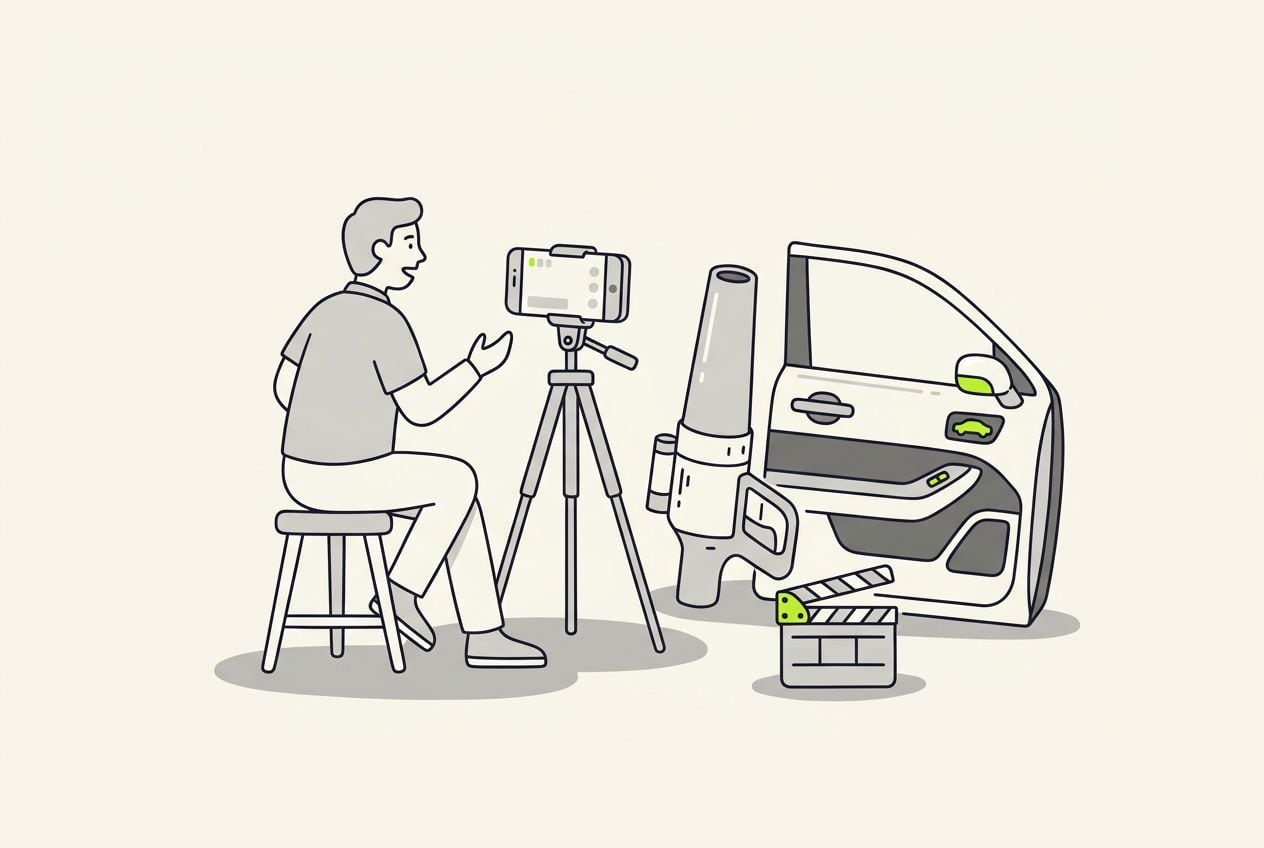
- Posts on fixed days, filmed on jobs you already have
- 3 a week
- Longest video your Google Business Profile takes
- 30 sec
- One vertical video for Reels, TikTok and Shorts
- 1 file
Step 1: Set up your Google Business Profile
People who search 'car detailing near me' see the map results first, with your profile, photos and reviews.
- List each service on its own, like ceramic coating, paint correction and interior detail.
- Set your service area and your opening hours.
- Add phone photos of recent jobs, so people see the work you do now.
- Add short videos too. Your profile takes videos of up to 30 seconds, so cut a 30-second version of your best before-and-after for it. Profile videos show on Google Search and Maps.
Step 2: Get a review from every customer
The next customer reads your reviews before they call, so ask for one after every job.
- Ask at handover, while the customer is looking at the finished car.
- Text them the review link before they drive off, so leaving a review takes one tap.
- Reply to every review in a sentence or two. The next customer reads your replies too.
This is the whole editor
Highlight a phrase and a clip lands on those exact words. No timeline, no keyframes, no layers.
Step 3: Film the 3 videos that show your work
These three kinds of video show what you do, what it costs and how you work. You can make them again with every new car.
3 videos for a car detailing business
| Video | What to show | Why it helps |
|---|---|---|
| Before-and-after | The dirtiest part of the car, then the same spot when you finish, with you explaining what it took | People see the result you can deliver |
| Price explainer | What a full interior detail costs at your shop, and what is included | Callers already know your price before they ring |
| Work clip | Snow foam, the extractor on a seat or iron remover turning purple, with you saying what it does | It shows the care you take at each step |
Video: Before-and-after
- What to show
- The dirtiest part of the car, then the same spot when you finish, with you explaining what it took
- Why it helps
- People see the result you can deliver
Video: Price explainer
- What to show
- What a full interior detail costs at your shop, and what is included
- Why it helps
- Callers already know your price before they ring
Video: Work clip
- What to show
- Snow foam, the extractor on a seat or iron remover turning purple, with you saying what it does
- Why it helps
- It shows the care you take at each step
Step 4: What to say in your videos
Stand next to the finished car and talk for 60 to 90 seconds. You need no script, just these points in this order.
- Say what the car came in with, like dog hair in every seam or two years of brake dust.
- Say what you did in plain words, and how many hours it took.
- Say what it costs. A price range is fine.
- Say how to book in one line, like 'Send us a photo of your interior'.
- Say your town's name once, so local viewers know you are nearby.
Step 5: Post 3 times a week
Three posts a week is a pace you can keep while you work full days.
- Pick fixed days, like Monday, Wednesday and Friday.
- Film on jobs you already have, like 10 seconds of foam, the worst seat before you start and you talking at handover.
- Post the same vertical video to Instagram Reels, TikTok and YouTube Shorts.
- If you have no good job one week, post your best before-and-after again with a new first line.
- Ask every new caller where they found you. When people start saying they saw one of your videos, the posting is working.
- Give it three months of steady posting before you decide whether it is worth the time.
How to handle the editing
Filming takes minutes, but editing a video by hand takes much longer. Decide how you will do it before you start posting.
4 ways to edit your detailing videos
| Option | Cost | Downside |
|---|---|---|
| Post the clip without editing | Nothing | Nobody watching on mute knows what you said |
| Edit it yourself in CapCut | Free to start; auto captions need Pro, $19.99 a month | You make every cut yourself |
| Pay an editor | A fee you agree per video, so the cost goes up with every post | You wait for each video to come back |
| Cutroom | $19.99 a month for about 9 videos of 90 seconds; your first is free | It only edits videos of someone talking, so a silent montage is not its job |
Option: Post the clip without editing
- Cost
- Nothing
- Downside
- Nobody watching on mute knows what you said
Option: Edit it yourself in CapCut
- Cost
- Free to start; auto captions need Pro, $19.99 a month
- Downside
- You make every cut yourself
Option: Pay an editor
- Cost
- A fee you agree per video, so the cost goes up with every post
- Downside
- You wait for each video to come back
Option: Cutroom
- Cost
- $19.99 a month for about 9 videos of 90 seconds; your first is free
- Downside
- It only edits videos of someone talking, so a silent montage is not its job
Where Cutroom fits
Cutroom edits the video of you talking for you. You get a finished vertical video with captions back in about a minute.
- You upload one video of you talking, up to 3 minutes, plus your foam and before-and-after clips.
- Cutroom adds captions timed to your voice and puts your clips over the words you pick.
- A 90-second video, the length Step 4 asks for, costs 130 credits: 100 to edit it and 30 to export it.
- Lite is $19.99 a month for 1,250 credits, about 9 of those videos. Basic is $39.99 for 2,500 credits, about 19.
- Your first video is free, with no card, and you have 7 days to make it. It has a Cutroom watermark across the middle.
What one 90-second video costs in Cutroom
Editing costs 100 credits. Exporting costs 20 credits for each minute of the finished video.
- The edit100 credits
- Export, 90 seconds30 credits
- The finished video130 credits
Questions people ask
- How often should a car detailer post on social media?
- Three times a week, on fixed days. Film on the jobs you already have. In a slow week, post your best before-and-after again with a new first line.
- Which social media platform is best for car detailers?
- You do not have to pick one. The same vertical video posts to Instagram Reels, TikTok and YouTube Shorts, so you can use all three from the first week.
- Do I have to show my face in detailing videos?
- No. Many detailing posts are silent clips of foam or extraction set to music. Talking to the camera helps, because it lets you say the price and how to book, and the camera can stay on the car while you talk.
- What should my first detailing video be?
- A before-and-after of your best recent job, with you explaining what the car came in with, what you did, the price and how to book.
- Do I need paid ads for my detailing business?
- Not at first. Your Google profile, reviews and videos cost nothing but time. When you do run ads, your best before-and-after videos can be the ads.
- What does Cutroom cost for detailing videos?
- Editing costs 100 credits and exporting costs 20 credits for each minute of the finished video, so the 90-second video in Step 4 costs 130. Lite is $19.99 a month for 1,250 credits, about 9 of them. Your first video is free, with no card.
Set up your profile, ask for reviews and film the jobs you already do. Your first video is free.