For your team
Video editor for tattoo artists: talk about a piece, post it today
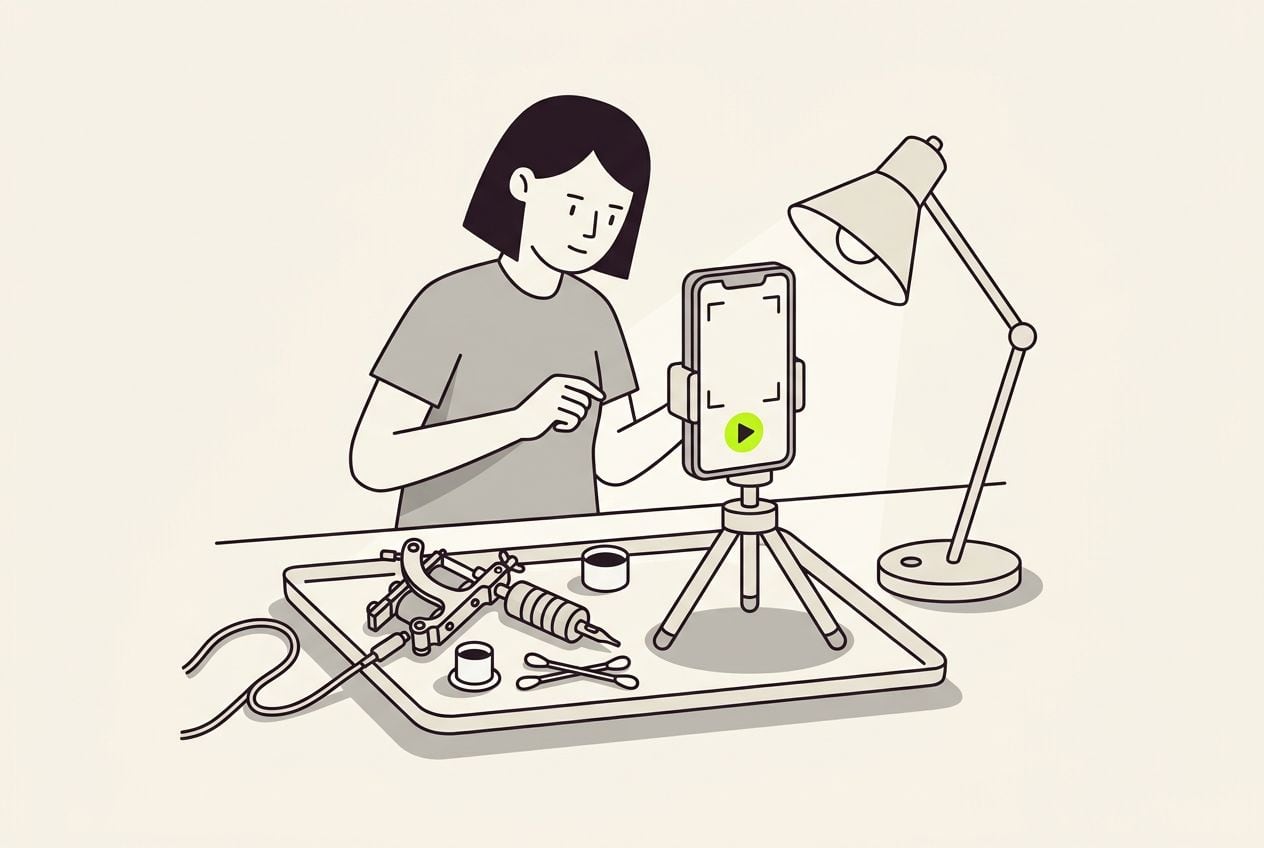
Film yourself talking about one tattoo, up to 3 minutes. Cutroom turns it into a finished 9:16 video with captions and your own clips, in about a minute.
In short
- Cutroom is a video editor built for tattoo artists who talk about their work on camera.
- You film one clip on your phone, up to 3 minutes, and the finished video comes back in about a minute.
- Your own stencil, linework and healed clips play over the words you choose.
- A 30-second video costs about 110 credits, and Lite is $19.99 a month for 1,250 credits.
- Your first video is free, with no card, within 7 days of signing up.
- The longest clip you can upload
- 3 min
- Until the finished edit comes back
- ~1 min
- One 30-second video, edit plus export
- 110 CR
Why tattoo artists post so little video
You film plenty during a session. It is the editing afterwards that stops the video getting posted.
- You film the stencil going on, the liner running and the first look in the mirror, and then it sits in your camera roll.
- The editing starts at 9pm, after a six-hour session, which is why it usually does not happen.
- Cutting the clip, typing the captions and choosing the music is a second job at the end of a booking day.
- The free hours you do have usually go on drawing the next piece, not on editing last week's.
How it works
You talk and Cutroom does the editing. It runs in your browser, with no timeline and no app to install.
- You film one clip about one piece, covering what the client asked for, what you changed, and how it healed.
- Cutroom writes out your words, cuts the video, adds b-roll and puts the captions on screen.
- You edit the text instead of a timeline. Select a phrase and a clip plays over those words.
- You pick one of 40 caption styles, which matters because many people watch with the sound off.
- You export a 9:16 MP4 at 1080 x 1920, the shape Reels, TikTok and Shorts want.
- You download that file and post it yourself, because Cutroom does not post to Instagram for you.
From one clip to a posted video
Two of the four steps cost credits.
Film one clip
On your phone, up to 3 minutes
Cutroom edits it
100 credits: transcript, cut, b-roll
Change the text
Select a phrase, swap a clip, fix a word
Export
20 credits per finished minute
This is the whole editor
Highlight a phrase and a clip lands on those exact words. No timeline, no keyframes, no layers.
Use your own tattoo clips as b-roll
Upload your process clips to your library once. They stay there for every video you make after that.
- Talk about the linework, select that phrase, and your machine close-up plays over exactly those words.
- When you say how it looked on the day, your fresh clip plays. When you say how it healed, the healed clip plays.
- A search across millions of free stock clips covers anything you did not film yourself.
- One clip of you talking gives you one finished video, so a second angle is a second video.
Your process clip, placed on the words you pick
Your linework clip plays in a small card while you keep talking. The opening headline and the captions are drawn into the video itself.



What to film after a session
You can film three short videos about the same piece. All three are things you already say to clients.
- Film the healed piece when the client comes back for the check-in, and say how it healed and what you would change.
- Healed work is the hardest to get on camera, because by then the session is over and nobody is filming.
- Film the aftercare answer you type into your DMs every week, and say it once properly.
- Film the style you want more bookings for, and explain why you like working in it.
What it costs
A 30-second video costs about 110 credits: 100 for the edit and 10 for the export.
- The edit costs 100 credits and covers the transcript, the cut and the b-roll search.
- The export costs 20 credits for every minute of finished video.
- Editing the text, swapping a clip and watching the preview cost nothing.
- If you change the edit and export again, another 30-second video costs 10 credits.
- Your free video has a Cutroom mark across the middle. Every paid plan removes it, starting with Lite at $19.99 a month.
30-second videos per month, by plan
At about 110 credits per 30-second video.
| Plan | Price | Credits | 30-second videos |
|---|---|---|---|
| Free | $0, within 7 days | 600 | 1, with a Cutroom mark |
| Lite | $19.99 a month | 1,250 | About 11 |
| Basic | $39.99 a month | 2,500 | About 22 |
| Premium | $79.99 a month | 5,000 | About 45 |
Plan: Free
- Price
- $0, within 7 days
- Credits
- 600
- 30-second videos
- 1, with a Cutroom mark
Plan: Lite
- Price
- $19.99 a month
- Credits
- 1,250
- 30-second videos
- About 11
Plan: Basic
- Price
- $39.99 a month
- Credits
- 2,500
- 30-second videos
- About 22
Plan: Premium
- Price
- $79.99 a month
- Credits
- 5,000
- 30-second videos
- About 45
How it compares with CapCut and InShot
CapCut and InShot are timeline editors on your phone. They hand you the tools and you make every cut yourself.
- CapCut is free to start, and CapCut Pro is $19.99 a month, though CapCut says the price varies by region.
- InShot is free with ads and a watermark, and InShot Pro is $4.99 a month on the US App Store.
- Both are the better choice if you want to make every cut yourself, or if you post silent time-lapses set to a song.
- Cutroom is faster for videos where you talk, because the first cut comes back done and you change the words instead of a timeline.
A phone editor against Cutroom
CapCut and InShot prices as each company publishes them, checked 21 September 2026.
Who makes the cuts
- CapCut or InShot
- You do, on a timeline
- Cutroom
- Cutroom cuts it, then you edit the text
Captions
- CapCut or InShot
- Auto captions you then check
- Cutroom
- Auto captions in one of 40 styles, which you then check
Your tattoo clips over your words
- CapCut or InShot
- You place each one by hand
- Cutroom
- Select a phrase and a clip lands there
Videos longer than 3 minutes
- CapCut or InShot
- Yes
- Cutroom
- No, 3 minutes is the limit
Horizontal video
- CapCut or InShot
- Yes
- Cutroom
- No, 9:16 only
Price
- CapCut or InShot
- CapCut Pro $19.99 a month, InShot Pro $4.99
- Cutroom
- Lite $19.99 a month, about 11 videos of 30 seconds
| CapCut or InShot | Cutroom | |
|---|---|---|
| Who makes the cuts | You do, on a timeline | Cutroom cuts it, then you edit the text |
| Captions | Auto captions you then check | Auto captions in one of 40 styles, which you then check |
| Your tattoo clips over your words | You place each one by hand | Select a phrase and a clip lands there |
| Videos longer than 3 minutes | Yes | No, 3 minutes is the limit |
| Horizontal video | Yes | No, 9:16 only |
| Price | CapCut Pro $19.99 a month, InShot Pro $4.99 | Lite $19.99 a month, about 11 videos of 30 seconds |
Limits to know
Cutroom only edits videos where you talk about your work.
- Your clip can be 3 minutes long at most, which is longer than any Reel needs.
- Someone has to talk. A silent time-lapse set to a song is a job for a phone app.
- You get one finished vertical video per upload, and there is no wide version.
Questions people ask
- Do I have to be on camera?
- You have to talk, but the camera is off you for long stretches. B-roll covers up to 45% of the video on the Flow style, and you are on screen for the rest. If you would rather not appear, Basic and up turn a photo and a voice recording into a presenter, at 350 credits a minute.
- Can I use my own tattoo footage as b-roll?
- Yes. Upload your clips to your library once, then select the words where a clip belongs and it plays over exactly those words. A search across millions of free stock clips covers the rest.
- Does Cutroom post the video to Instagram for me?
- No. You download the finished MP4 and upload it yourself. The file is 9:16 at 1080 x 1920, which is what Reels, TikTok and Shorts all want, so nothing needs cropping on the way in.
- What does one video cost?
- About 110 credits for a 30-second video: 100 for the edit and 10 for the export. Changing the edit and exporting again costs another 10 credits. Lite is $19.99 a month for 1,250 credits, which is about 11 videos.
- Do I need my client's permission to film and post?
- Yes, and ask before the needle starts. One line does it: may I film during the session and post the video? Keep the answer in the chat.
- Can I add music?
- Yes, on Basic and up. A generated instrumental track costs 50 credits for up to 60 seconds, and you set how loud it sits under your voice. Your voice stays the main sound.
- Who is this not for?
- Artists who never want to talk in their videos. If your feed is silent time-lapses set to a song, a phone editor does that fine. For videos where you explain your work, Cutroom is faster.
Talk about one piece you are proud of and post it the same day. Your first video is free.