Guide
30 second demo video format: three steps, then the result
A 30 second demo video shows how a product works in three numbered steps, then the result and one ask. Below you get the timing, an example script, hook lines and where your product clips go.
In short
- A 30 second demo video shows how a product works in three numbered steps, then the result.
- The timing is a 3-second hook, three steps of 7 seconds and a 6-second result.
- It suits apps, tools, kits and services with a clear process.
- Each step should be something the customer does, like take a photo, not a feature name.
- It works best as a second ad, shown to people who already saw your first ad about the problem.
- length of the example script below
- 30 s
- steps of 7 seconds each
- 3
- parts, from the hook to the result
- 5
What is a how it works demo video?
It is a short video that explains a product as the three steps a customer takes, from first use to the result.
- It runs 30 to 35 seconds in a vertical 9:16 frame.
- The hook says how long the demo lasts, like here is how it works in thirty seconds.
- Each step takes about 7 seconds and is said as an action: take a photo, tap export, send the file.
- Product clips or a screen recording play over each step while you talk.
- It ends with the result and one ask.
- Most products have more than three steps. The demo shows the three a new customer meets first.
How to structure a 30 second demo video
Say the number out loud at the start of each step. Viewers who know the end is near stay for it.
- Each step is an action and its effect: take a photo, and it reads the total.
- Start each step with a verb. A feature name does not fit in 7 seconds.
- Keep the hook to 3 seconds.
A how it works demo in 30 seconds
Three steps of 7 seconds. Each one is an action and its effect.
Hook
0-3 s. How it works, with the time
Step 1
3-10 s. First action, first effect
Step 2
10-17 s. What the product does next
Step 3
17-24 s. The action that finishes it
Result
24-30 s. What you have now, and one ask
This is the whole editor
Highlight a phrase and a clip lands on those exact words. No timeline, no keyframes, no layers.
Example script: a 30-second app demo
This made-up example is an expenses app for freelancers. Each row is one part of the structure above.
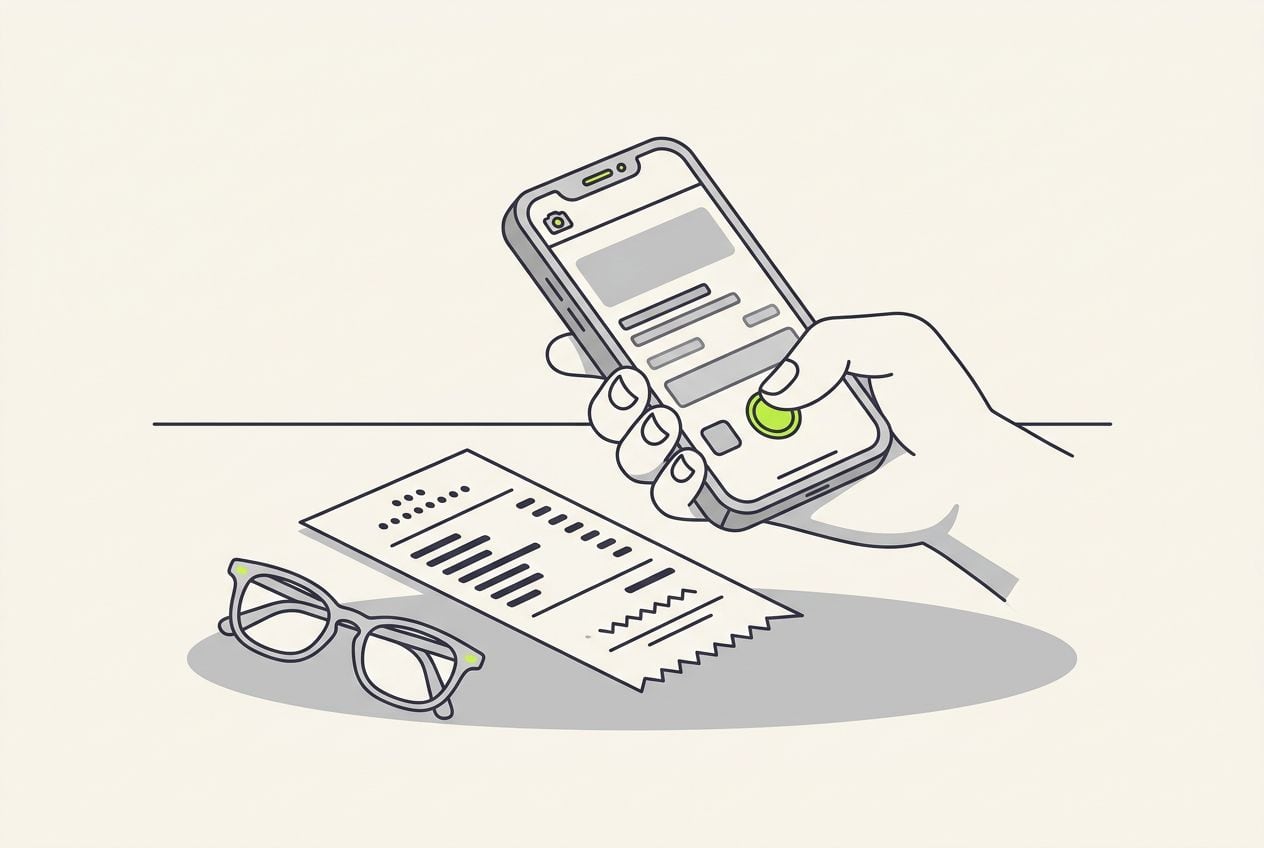
Demo example script for an expenses app
74 words. Read at a brisk, natural pace, it runs about 30 seconds.
| Part | Time | What you say |
|---|---|---|
| Hook | 0-3 s | Here is how this app does your expenses, in thirty seconds. |
| Step 1 | 3-10 s | One. Take a photo of the receipt. It reads the shop, the date and the total. |
| Step 2 | 10-17 s | Two. It files the receipt under the right tax category. Change it with one tap if it guessed wrong. |
| Step 3 | 17-24 s | Three. At the end of the quarter, press export, and your accountant gets a spreadsheet. |
| Result | 24-30 s | No shoebox, no typing. Your first month costs nothing. The link is below. |
Part: Hook
- Time
- 0-3 s
- What you say
- Here is how this app does your expenses, in thirty seconds.
Part: Step 1
- Time
- 3-10 s
- What you say
- One. Take a photo of the receipt. It reads the shop, the date and the total.
Part: Step 2
- Time
- 10-17 s
- What you say
- Two. It files the receipt under the right tax category. Change it with one tap if it guessed wrong.
Part: Step 3
- Time
- 17-24 s
- What you say
- Three. At the end of the quarter, press export, and your accountant gets a spreadsheet.
Part: Result
- Time
- 24-30 s
- What you say
- No shoebox, no typing. Your first month costs nothing. The link is below.
Hook lines for a demo video
Name the product's job and how long the explanation takes. Fill in the brackets with your own details.
- Here is how [product] does [job], in thirty seconds.
- [Job] in three steps. One.
- You asked how [product] works. Watch my screen.
- Example: Here is how this app does your expenses, in thirty seconds.
Where your product clips and captions go
Film or screen-record each action as its own 5 to 8 second clip, before you record your voice.
- Your face works best for the hook and the result.
- Play one clip over each of the three steps.
- A small card beside your face keeps you visible while the clip plays.
- A screen recording with small text reads better full screen.
- Burn in the captions, so each spoken number also appears on screen.
A clip over one step, inside the 9:16 frame
A close-up plays over the words of one step, then you come back on screen for the next number.

Common demo video mistakes
A demo fails when it describes the product instead of what the customer does. Viewers want to know what they press.
- Showing seven steps loses people. Show the three a new customer meets first, and stop.
- Feature names mean nothing to a stranger. Say take a photo, not smart capture.
- Screen text is often too small on a phone. Zoom in on the recording before you upload it.
- Ending without the result leaves the viewer guessing. End on what the customer now has, like a spreadsheet or a clean floor.
When to use a demo video
It works for a viewer who already wants the result but doubts the effort. The demo shows the effort is three small actions.
- App and software founders use it when getting started takes a few taps.
- Online shops use it for a kit, a device or a routine.
- Service businesses use it when getting started takes three actions.
- It works best as a second ad, shown to people who watched your ad about the problem or visited the product page.
- It is weak with people who have never heard of you. If they do not feel the problem yet, the steps mean little to them.
- On YouTube Shorts it also works as an unpaid post, because people search for how a product works.
Making a demo video with Cutroom
Cutroom edits the video for you. You record yourself talking once, upload your product clips and get a finished vertical video back.
- You upload one video of yourself talking, up to 3 minutes long, plus your product clips or screen recordings.
- You highlight the words of a step, and the matching clip plays over exactly those words.
- Each clip can play full screen or on a small card beside your face.
- Cutroom adds captions timed to your voice and a headline at the start. You get a 9:16 MP4, and a 30-second video costs 110 credits.
- Your first video is free, no card, and you have 7 days to make it. It carries a Cutroom mark; Lite at $19.99 a month removes it.
Questions people ask
- How long should a how it works demo video be?
- 30 to 35 seconds. The example here runs exactly 30: a 3-second hook, three steps of 7 seconds and a 6-second result. The script is 74 words. If your demo needs a minute, it is a tutorial, and a tutorial video suits it better.
- Can I use a screen recording in a 9:16 demo?
- Yes. Record the screen, then crop or zoom in on the part that matters, so the text is readable on a phone. Play it over your voice. A whole desktop recording in a vertical frame is too small to read.
- Should a demo video show the price?
- Yes, if the price is simple. One sentence at the end is enough, such as a free first month or a single price. If your pricing needs explaining, give it its own video and keep the demo about the steps.
- What is the difference between a demo and a tutorial?
- A demo is for somebody deciding whether to buy. A tutorial is for somebody who already did. The demo shows three steps in 30 seconds to prove the product is easy. The tutorial shows every step so the customer can follow along.
- Is there a tool that edits a 30 second demo video for you?
- Yes. Cutroom works from one video of you talking plus your product clips or screen recordings. It puts each clip on the step you highlight, adds captions and exports a 9:16 MP4. A 30-second video costs 110 credits, and your first video is free.
- When is the three-step demo the wrong format?
- When the audience does not care about the result yet. People who have never heard of you need the problem first. Show them a problem agitate solve ad or a myth busting video, and show the demo to the people who watched it.
Record three short clips and one video of you talking. Cutroom puts each clip on its step. Your first video is free.