Guide
Before and after walkthrough video: show the result first, then the steps
A before and after walkthrough video opens on the finished result, goes back to how it started, then explains the steps in between. Below you get the structure, an example script and hook lines.
In short
- A before and after walkthrough video shows the finished result, then the starting point, then how you got there.
- It runs 35 to 45 seconds. The example script below runs 40 seconds.
- It suits tradespeople, cleaners, organisers and designers whose work is easy to see.
- Open on the result. The after shot is your hook.
- Meta's ad rules restrict before and after images of weight loss, health and cosmetic results.
- length of the example script below
- 40 s
- steps between the before and the after
- 2
- parts, from the result to the ask
- 6
What is a before and after walkthrough video?
It is a short video in which you show the finished job, how it started and the steps in between.
- The result comes first, then the before, then two or three steps, then a close look at the after.
- The result goes in the first 4 seconds, because the result is the hook.
- You talk to the camera, and footage of the work plays over your voice. It runs 35 to 45 seconds in 9:16.
- Tradespeople, car detailers, organisers, designers and editors use it most.
- A plain before and after shows the change. The steps show the skill people are paying for, which is why they are in the video at all.
How to structure a before and after walkthrough video
Each step gets about 8 seconds: what you did, and why a shortcut would have failed.
- Each step is two sentences: what you did, and what goes wrong if you skip it.
- The before gets about 8 seconds, including what the owner already tried.
- Film the before from the same spot and angle as the after. Then the change is obvious without a word.
A before and after walkthrough in 40 seconds
The result comes first. The steps show the skill.
Result
0-4 s. The finished job, and the day it was done
Before
4-12 s. The start and what was tried
Step 1
12-20 s. What you did and why
Step 2
20-28 s. What a shortcut would miss
After
28-35 s. A close-up from the same angle
Ask
35-40 s. Send a photo for a quote
This is the whole editor
Highlight a phrase and a clip lands on those exact words. No timeline, no keyframes, no layers.
Example script: a 40-second before and after video
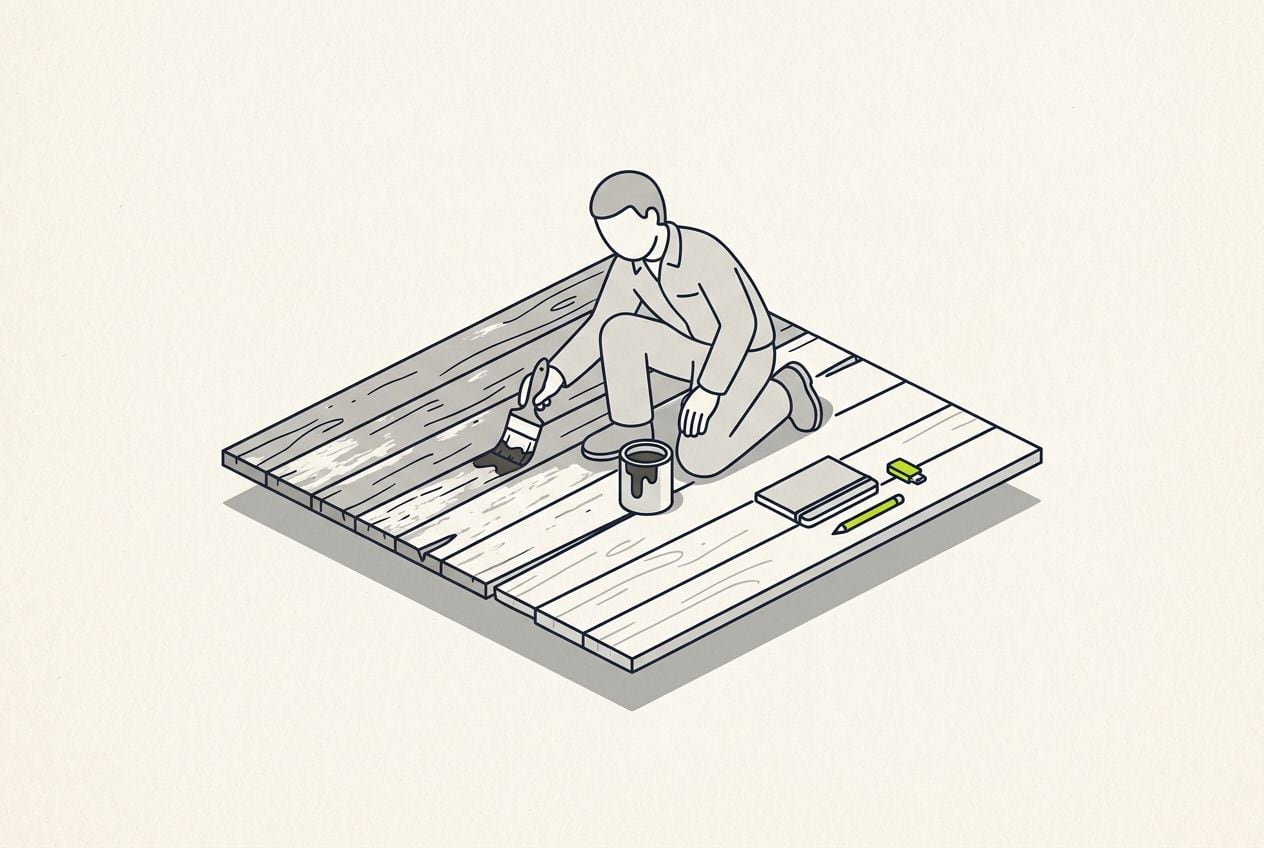
This made-up example is a deck restorer. Each row is one part of the structure above.
Before and after example script for a deck restorer
89 words. Read at a brisk, natural pace, it runs about 40 seconds.
| Part | Time | What you say |
|---|---|---|
| Result | 0-4 s | This deck was grey and slippery on Monday. This is Thursday. |
| Before | 4-12 s | Ten years of algae. The owner had pressure-washed it twice, and it came back greener each spring. |
| Step 1 | 12-20 s | First we scrub in a cleaner that kills the algae down in the grain. Pressure alone leaves the roots behind. |
| Step 2 | 20-28 s | Then two coats of oil, a day apart, so water beads on top instead of soaking in. |
| After | 28-35 s | Same boards. No sanding, nothing replaced. |
| Ask | 35-40 s | If your deck looks like the first shot, send me a photo and I will quote it today. |
Part: Result
- Time
- 0-4 s
- What you say
- This deck was grey and slippery on Monday. This is Thursday.
Part: Before
- Time
- 4-12 s
- What you say
- Ten years of algae. The owner had pressure-washed it twice, and it came back greener each spring.
Part: Step 1
- Time
- 12-20 s
- What you say
- First we scrub in a cleaner that kills the algae down in the grain. Pressure alone leaves the roots behind.
Part: Step 2
- Time
- 20-28 s
- What you say
- Then two coats of oil, a day apart, so water beads on top instead of soaking in.
Part: After
- Time
- 28-35 s
- What you say
- Same boards. No sanding, nothing replaced.
Part: Ask
- Time
- 35-40 s
- What you say
- If your deck looks like the first shot, send me a photo and I will quote it today.
Hook lines for a before and after video
Show the result and put a timeframe on it. Fill in the brackets with your own details.
- This [object] was [bad state] on [day]. This is [day].
- Same [object], [number] days apart. Here is what we did.
- The owner was about to replace this. It took [timeframe] instead.
- Example: This deck was grey and slippery on Monday. This is Thursday.
Where your footage and captions go
Almost all the b-roll is your own footage of the job.
- Show the after shot while you describe the result, and the before shot while you describe the start.
- Show a clip of each step over the words that describe it.
- Show your face for a second at the start, so viewers know who is talking, and again for the ask.
- Burn in the captions, so the words stay readable while the work plays.
The after shot, full screen while you describe the result
A finished shot covers the opening words, then you come back on screen for the steps.

Common before and after mistakes
Most of these videos fail on the job rather than in the editing, because the before shot was never filmed.
- Forgetting the before shot is the most common one. Film 5 seconds from a fixed spot before you touch anything.
- Saving the result for the end wastes your best image. Open on it.
- A step with no reason is filler. Say why the shortcut fails.
- Different light and a different angle make viewers doubt the comparison. Match them.
When to use a before and after walkthrough
It works when the change is visible and you filmed both ends. The viewer sees the difference before you have said a word.
- It suits trades and home services, like decks, driveways, bathrooms and gardens.
- Car detailers, cleaners and organisers who keep a phone on site can film one on every job.
- Designers and consultants can show a document, logo, landing page or spreadsheet before and after.
- It works well as an unpaid post on Reels, TikTok and Shorts. Use the result shot as the cover, because profile visitors see the cover first.
- In paid ads on Meta, work on objects, homes and documents is fine. Before and after images of weight loss, health and cosmetic results are restricted.
- If your category is restricted, you can still post the video as an unpaid post. For the paid ad, show the process and a customer talking, not the two images.
Making a before and after video with Cutroom
Cutroom edits the video for you. You talk through the job in one go, upload your clips of both ends and get a finished vertical video back.
- You upload one video of yourself talking, up to 3 minutes long, plus your before, step and after clips.
- Cutroom uses your own clips before free stock clips. You highlight a phrase to put a clip over exactly those words.
- Each clip can play full screen or on a small card beside your face.
- Cutroom adds captions timed to your voice and a headline at the start. You get a 9:16 MP4.
- Your first video is free, no card, and you have 7 days to make it. It carries a Cutroom mark; Lite at $19.99 a month removes it.
Questions people ask
- How long should a before and after walkthrough video be?
- 35 to 45 seconds. The example here is 40 seconds: 4 for the result, 8 for the before, 16 for two steps, and 12 for the after and the ask. A third step adds about 8 seconds. Past 50 seconds, split the job into two videos.
- Should the after come first or last in the video?
- First. The finished result is the strongest image you have, and the first 3 seconds decide whether anybody watches the rest. Show the after, go back to the before, then walk through the steps to a closer look at the after.
- Are before and after videos allowed in Meta ads?
- It depends on what you sell. Meta restricts before and after images that show weight loss, health or cosmetic results. Work on objects, homes, vehicles and documents is not covered by that rule. If yours is restricted, post the walkthrough unpaid and advertise the process instead.
- What if I forgot to film the before?
- Use a photo. The customer's own photo of the starting point, with their permission, works as the before shot. With no image at all, make a how it works demo instead, and film a 5-second before clip on the next job.
- Is there an app that edits before and after videos for you?
- Yes. Cutroom takes one video of you talking, up to 3 minutes long, plus your own clips and photos. It puts each clip on the words you pick, adds captions and exports a 9:16 MP4. Your first video is free.
- When should I not use a before and after walkthrough?
- When the change is not visible, such as a software migration or a tax saving, or when your category is restricted in ads. A case study video tells an invisible result better.
Talk through the job once and upload your clips of both ends. Cutroom puts each clip on its words. Your first video is free.